Top 25 most-starred Mac apps from the awesome-mac GitHub repo by jaywcjlove
awesome-mac lists 1,300+ Mac apps. Here are the 25 most-starred, from CC Switch to Zed, plus the 10 closed-source favorites people install most.
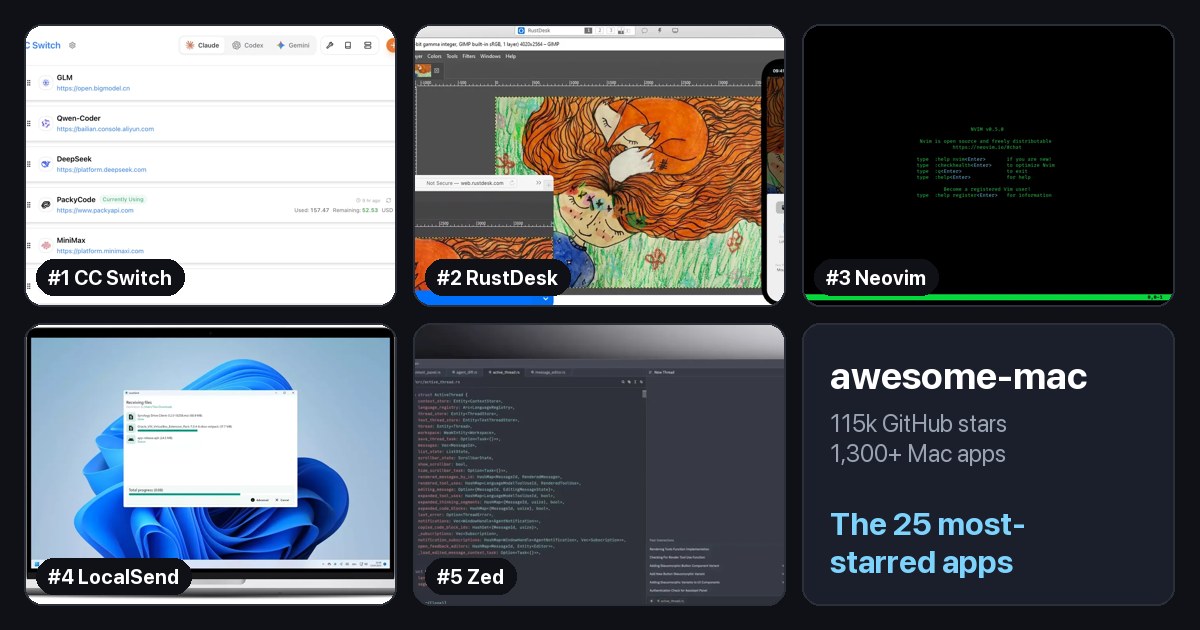
When you move to a Mac, the hardest part is not the keyboard. It is figuring out which apps to install.
There is a GitHub project that does most of that work for you. awesome-mac is a community-maintained list of Mac apps, sorted by category, and it is one of the most popular lists on GitHub.
The numbers, as of today:
- 115,000+ stars and over 9,000 forks.
- More than 1,300 apps across 24 categories.
- Over 700 of them are open source.
- It is still updated almost every day.
It is a great bookmark, but 1,300 apps is a lot. So I went through it and pulled out the ones worth starting with.
At a glance
| # | App | Category | Stars |
|---|---|---|---|
| 1 | CC Switch | Developer Utilities | 140k |
| 2 | RustDesk | Remote Login Software | 125k |
| 3 | Neovim | Text Editors | 103k |
| 4 | LocalSend | File Sharing | 93k |
| 5 | Zed | Text Editors | 91k |
| 6 | Orca | IDEs | 85k |
| 7 | Hoppscotch | API Development and Analysis | 81k |
| 8 | AppFlowy | Note-taking | 77k |
| 9 | OBS Studio | Screen Recording | 77k |
| 10 | Tabby | Terminal Apps | 75k |
| 11 | AFFiNE | Note-taking | 73k |
| 12 | Alacritty | Terminal Apps | 66k |
| 13 | Warp | Terminal Apps | 65k |
| 14 | draw.io | Design Tools | 63k |
| 15 | MarkText | Markdown Tools | 62k |
| 16 | Ghostty | Terminal Apps | 62k |
| 17 | Jellyfin | Audio and Video Tools | 58k |
| 18 | Joplin | Note-taking | 57k |
| 19 | Motrix | Download Management Tools | 56k |
| 20 | ImHex | Developer Utilities | 55k |
| 21 | Cherry Studio | AI Tools | 52k |
| 22 | Upscayl | General Tools | 50k |
| 23 | Homebrew | Package Managers | 50k |
| 24 | IINA | Audio and Video Tools | 47k |
| 25 | Helix | Text Editors | 46k |
How to read the list
Each app gets one line: a name, a link, and a short description. After that, a few small badges tell you what kind of app it is.
- Open source: the code is public on GitHub, and the badge links to it.
- Freeware: free to use.
- App Store: available from the Mac App Store.
Apps with no badge are usually paid or closed source, and many of the best Mac apps are in that group. The list also includes a blocklist of pirated software sites, which tells you the maintainers care about where your apps come from.
My tip: do not read it top to bottom. Open the table of contents, jump to the category you need right now, and skim.
Categories worth browsing
The biggest category by far is Utilities, with over 400 apps. That is where most of the "how did I live without this" apps live. A few sections are especially useful if you are new to the Mac:
- Window Management: snapping and switching windows the way you did on Windows.
- Clipboard Tools: clipboard history, like Win+V.
- Menu Bar Tools: small apps that live in the top bar of the screen.
- Cleanup and Uninstall: removing apps completely.
- Developer Tools and Terminal Apps: editors, terminals, and API tools, if you write code.
- AI Tools and Voice-to-Text: the newest and fastest-growing sections.
- Package Managers: install apps from the terminal with one command.
The 25 most-starred apps
The list does not rank its apps, so I used the one public signal it has: GitHub stars. I looked up the star count for every open-source app on the list and kept the top 25. I only left out things that are not Mac apps: code libraries, command-line tools, server-only software, and other lists.
Each app shows its category in the list (linked to that section) and its GitHub stars. They are all free unless marked otherwise. Star counts are as of October 2026.
1. CC Switch
Developer Tools / Developer Utilities · ⭐ 140k
If you use AI coding tools like Claude Code, Codex, or Gemini CLI, each one keeps its settings in its own config file. CC Switch puts them all in one desktop app. Pick a provider, paste your key, and switch with one click, without hand-editing JSON or YAML files. It also manages MCP servers, skills, and prompts in one place, and shows your token usage.
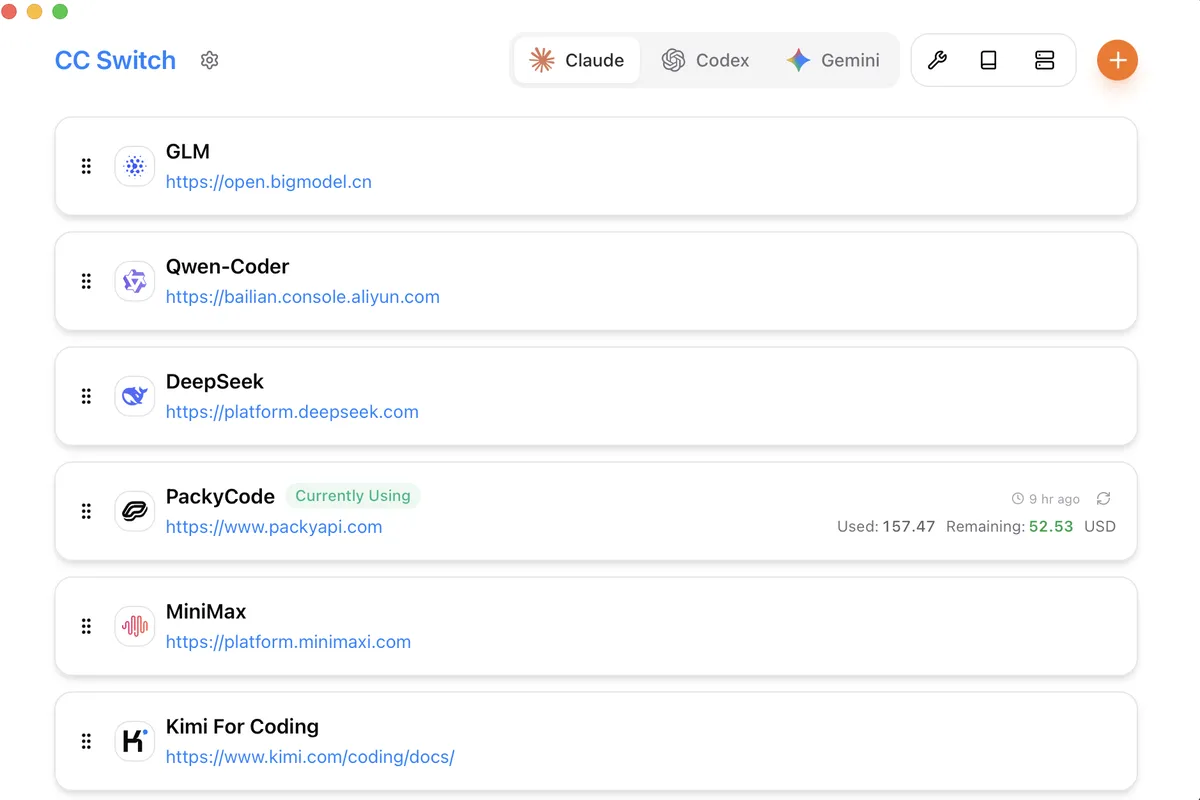
Screenshot: CC Switch on GitHub. Get it at ccswitch.io · GitHub
2. RustDesk
Remote Login Software · ⭐ 125k · Free + paid plans
RustDesk is an open-source alternative to TeamViewer and AnyDesk. Use it to help a family member with their computer, or reach your own PC from your Mac. It works out of the box with free public servers, and if you want full control you can run your own server.
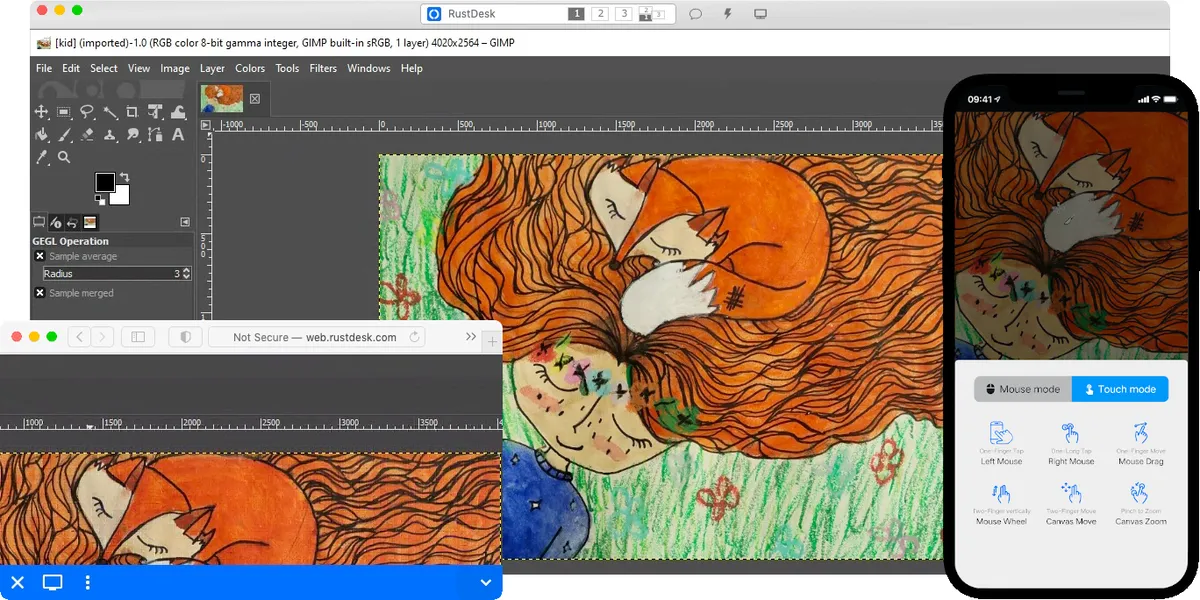
Screenshot: RustDesk on GitHub. Get it at rustdesk.com · GitHub
3. Neovim
Reading and Writing Tools / Text Editors · ⭐ 103k
Neovim is a modern take on Vim, the keyboard-driven text editor that runs in your terminal. It is fast, scriptable in Lua, and has a huge plugin ecosystem, so many developers turn it into a full code editor. It has a learning curve, but people who learn it rarely go back. Install it with brew install neovim.
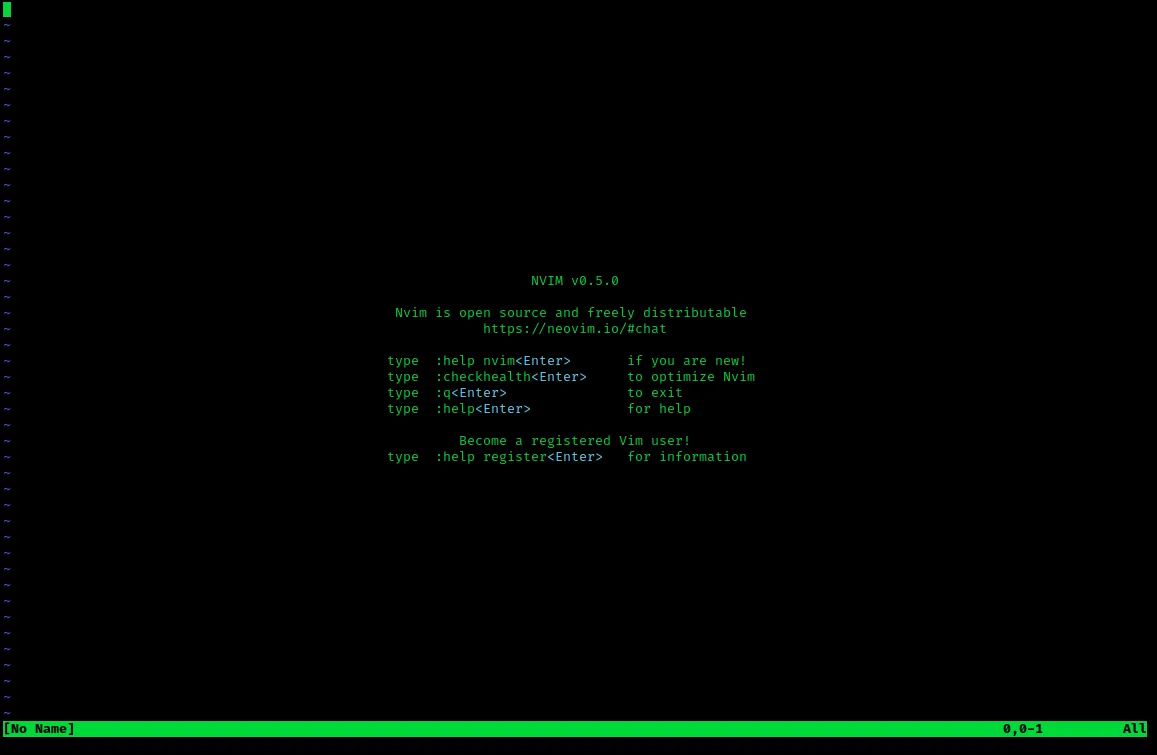
Screenshot: Wikimedia Commons. Get it at neovim.io · GitHub
4. LocalSend
Communication / File Sharing · ⭐ 93k
AirDrop is great until you need to send a file to a Windows PC or an Android phone. LocalSend fills that gap. Install it on each device, and they find each other on your Wi-Fi network. Files go straight from one device to the other, no internet, account, or cloud upload needed. It runs on Mac, Windows, Linux, Android, and iPhone, so it is perfect for a home that is not all Apple yet.
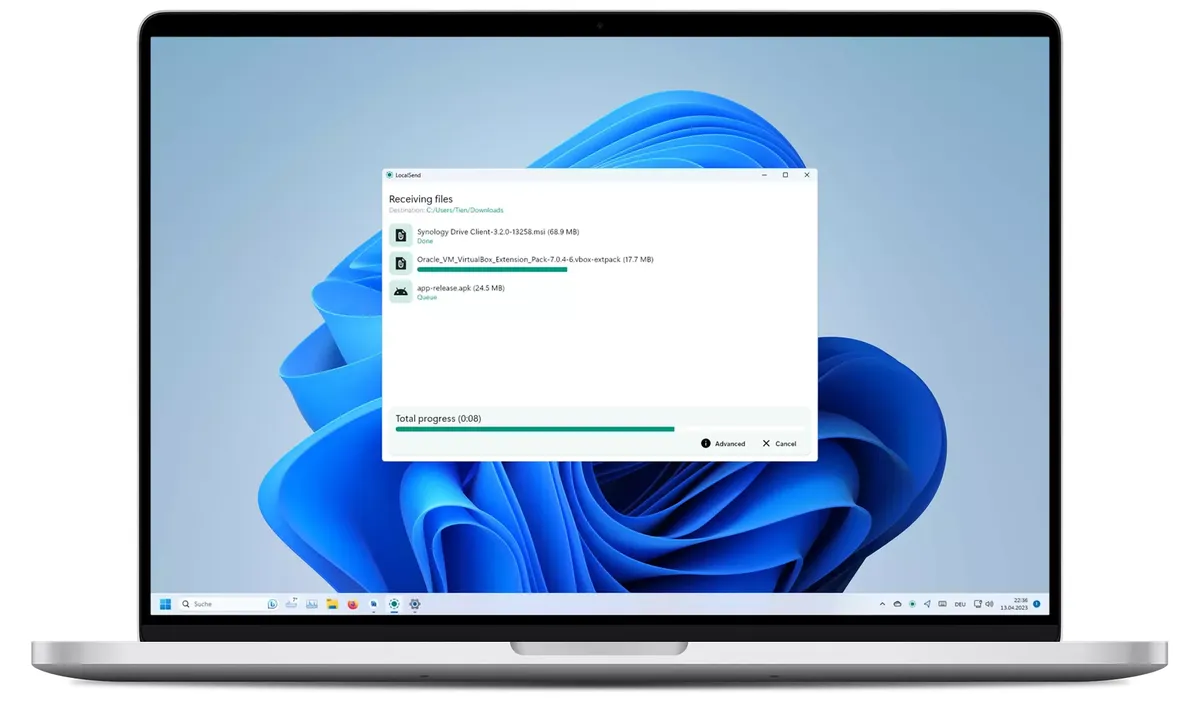
Screenshot: localsend.org. Get it at localsend.org · GitHub
5. Zed
Reading and Writing Tools / Text Editors · ⭐ 91k · Free + paid plans
Zed is a code editor built for speed, from the people who created Atom. It opens instantly, stays smooth on big projects, and has AI assistance and real-time collaboration built in. The editor is free, and there are paid plans for more AI usage. If VS Code feels heavy, try Zed.
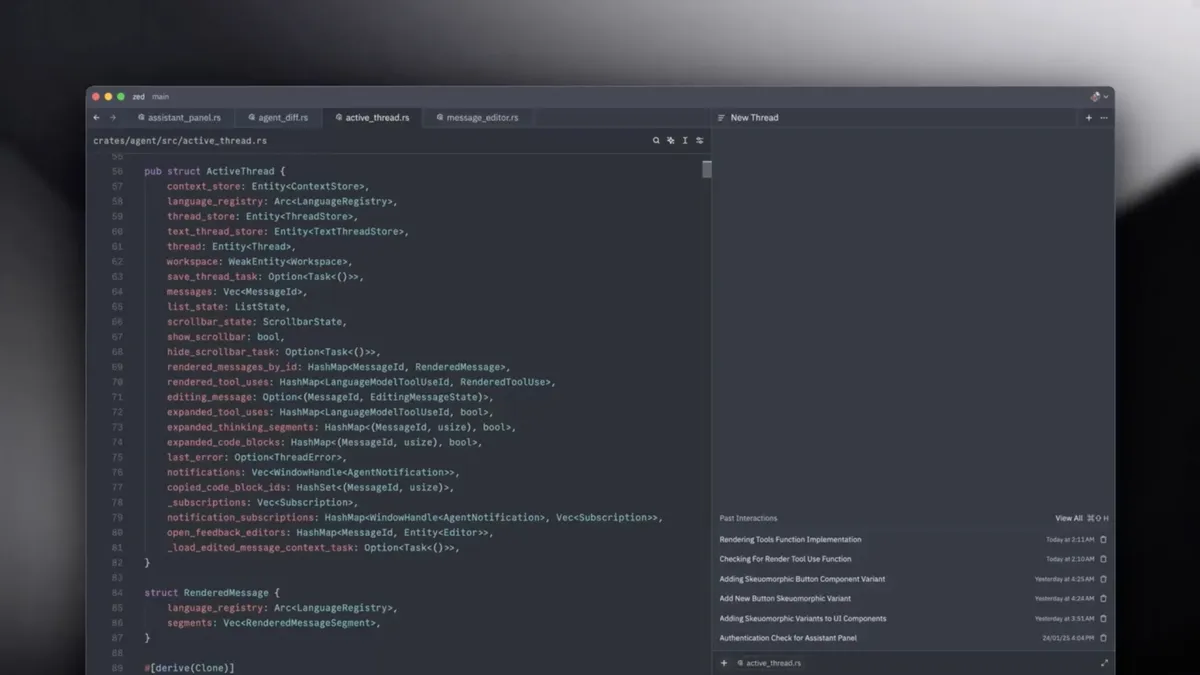
Screenshot: zed.dev. Get it at zed.dev · GitHub
6. Orca
Developer Tools / IDEs · ⭐ 85k
Orca is a workspace for running AI coding agents in parallel. You can give one task to Claude Code, Codex, and others at the same time, each in its own copy of your project, then compare the results and keep the best one. It also includes terminals, a code editor, and a phone app to check on your agents.
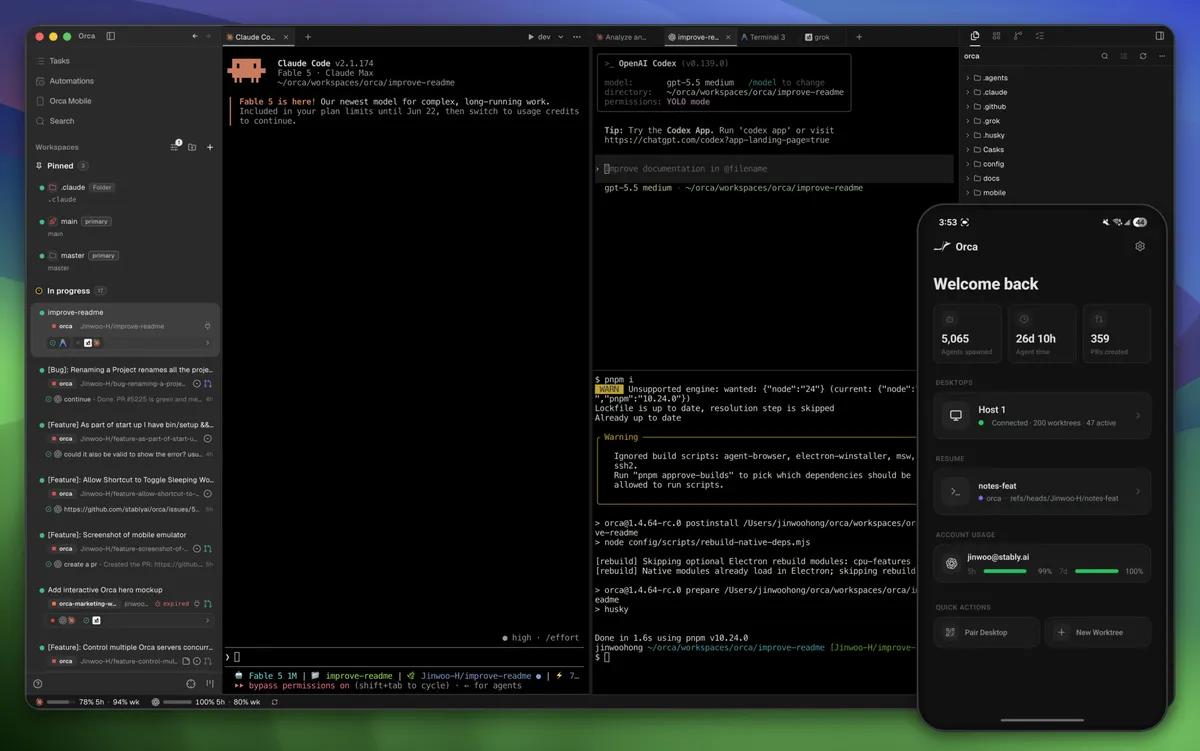
Screenshot: Orca on GitHub. Get it at onorca.dev · GitHub
7. Hoppscotch
Developer Tools / API Development and Analysis · ⭐ 81k · Free + paid plans
Hoppscotch is a lightweight, open-source alternative to Postman for testing APIs. Send requests, look at the responses, and save collections to reuse later. It runs in the browser or as a desktop app, and you can self-host it for your team.
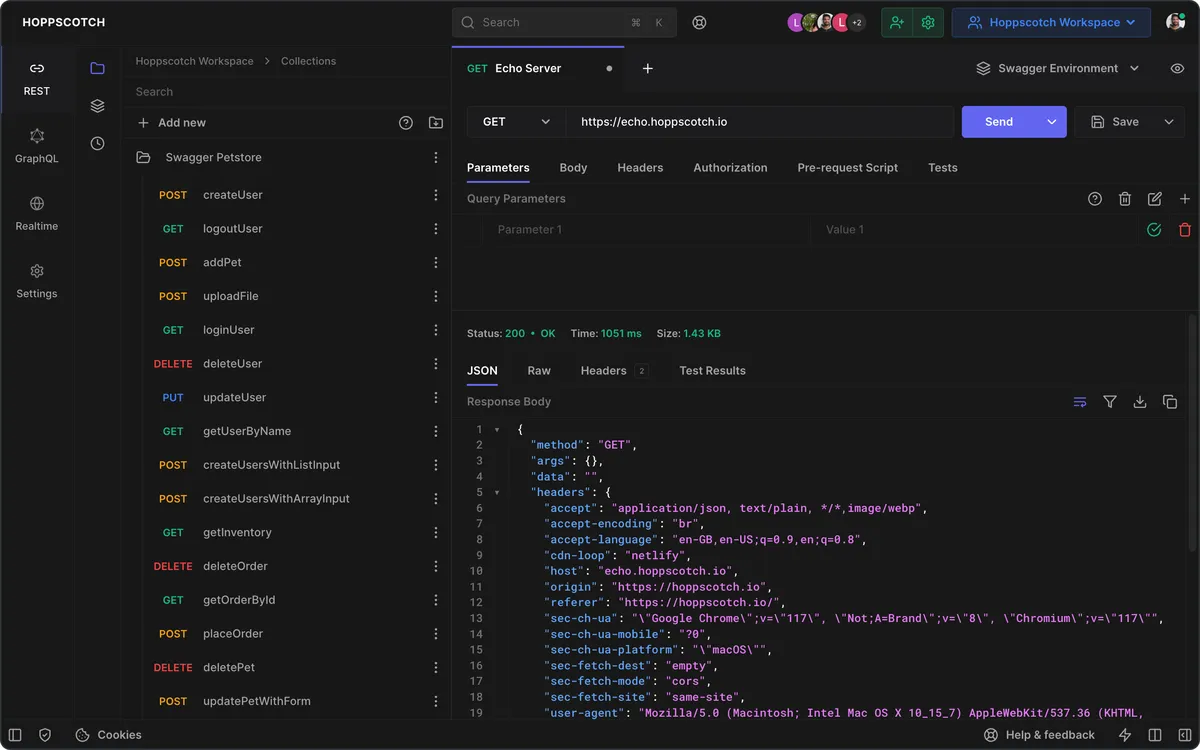
Screenshot: Hoppscotch on GitHub. Get it at hoppscotch.io · GitHub
8. AppFlowy
Reading and Writing Tools / Note-taking · ⭐ 77k · Free + paid plans
AppFlowy is an open-source alternative to Notion. Docs, wikis, task boards, and databases live in one workspace, with AI built in. Your data can stay on your Mac, and paid plans add cloud sync and collaboration.
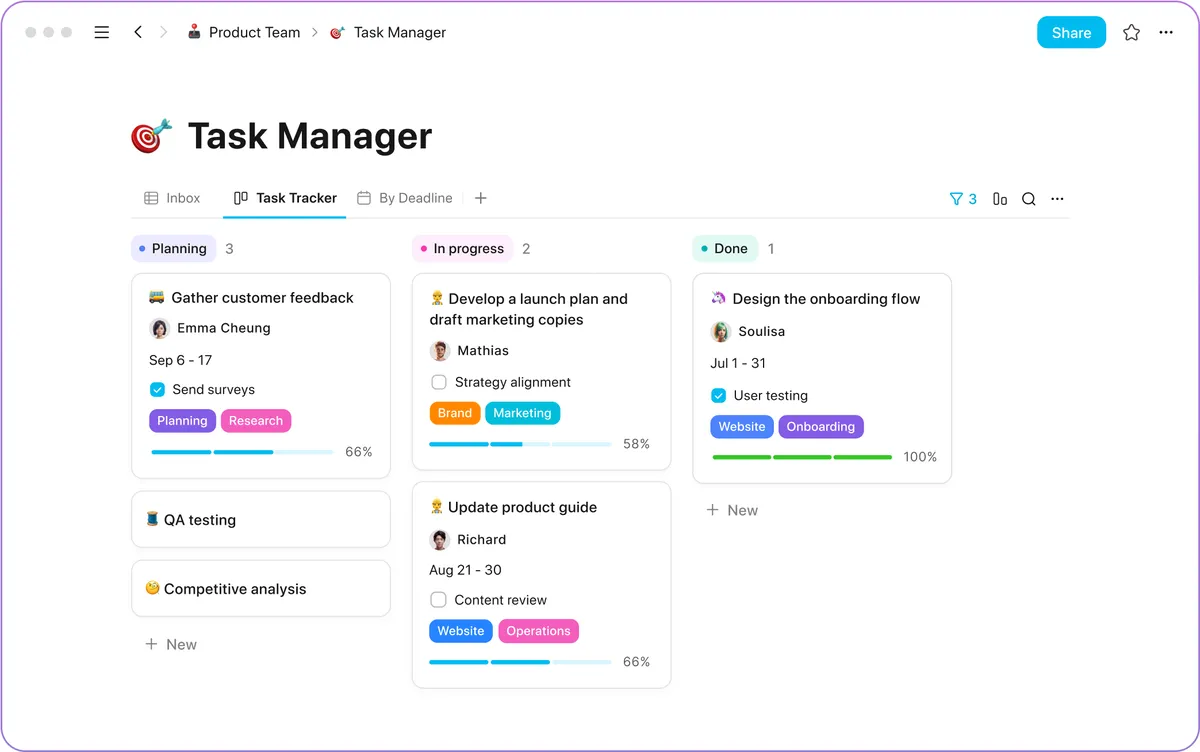
Screenshot: appflowy.com. Get it at appflowy.com · GitHub
9. OBS Studio
Design and Product / Screen Recording · ⭐ 77k
OBS is the free standard for screen recording and live streaming. You build "scenes" from sources like your screen, a window, your webcam, and your mic, then record or stream to YouTube or Twitch. It takes a few minutes to learn, but nothing free comes close for tutorials, demos, or streaming.
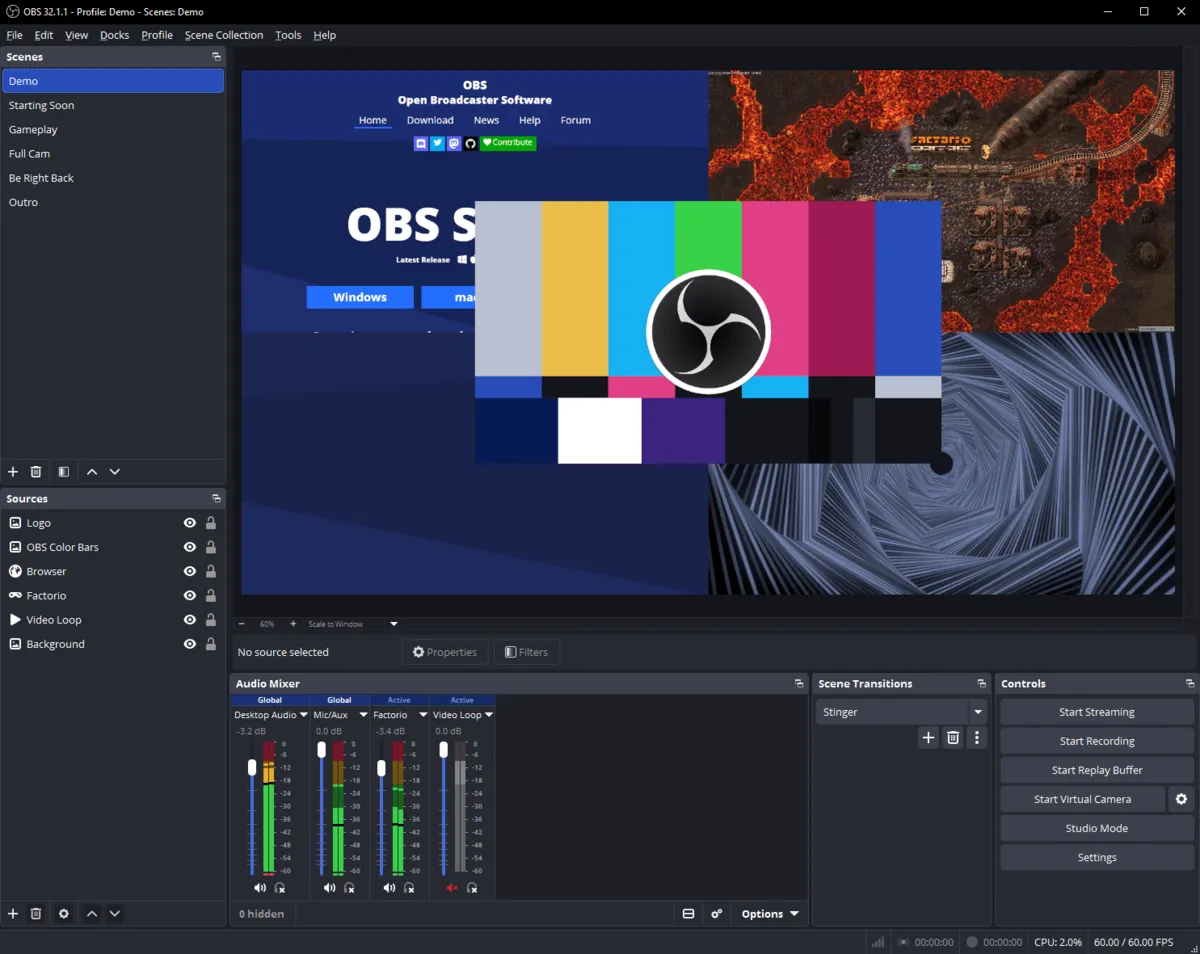
Screenshot: obsproject.com. Get it at obsproject.com · GitHub
10. Tabby
Terminal Apps · ⭐ 75k
Tabby is a modern, highly customizable terminal. It has tabs, split panes, themes, and a built-in SSH and serial client that remembers your connections. It runs on Mac, Windows, and Linux, so your terminal feels the same everywhere.
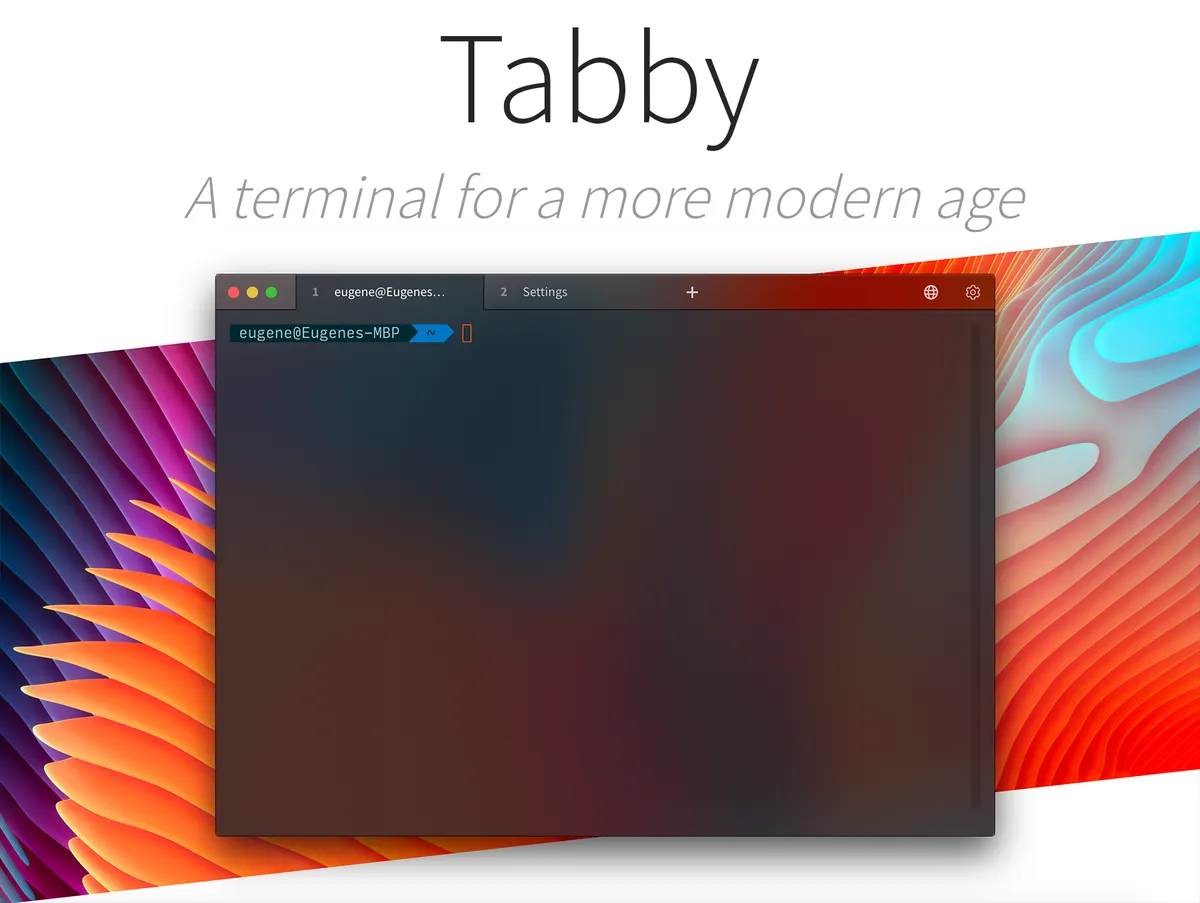
Screenshot: Tabby on GitHub. Get it at tabby.sh · GitHub
11. AFFiNE
Reading and Writing Tools / Note-taking · ⭐ 73k · Free + paid plans
AFFiNE combines docs, whiteboards, and databases in one app, as an open-source alternative to Notion and Miro. You can switch a page between a document and an infinite canvas to sketch ideas. It works offline and keeps your data local, with paid plans for cloud sync.
Get it at affine.pro · GitHub
12. Alacritty
Terminal Apps · ⭐ 66k
Alacritty is a terminal built for one thing: speed. It uses your GPU to draw text, has no tabs or extra features, and is configured with a simple text file. People often pair it with tmux or Zellij for tabs and splits.
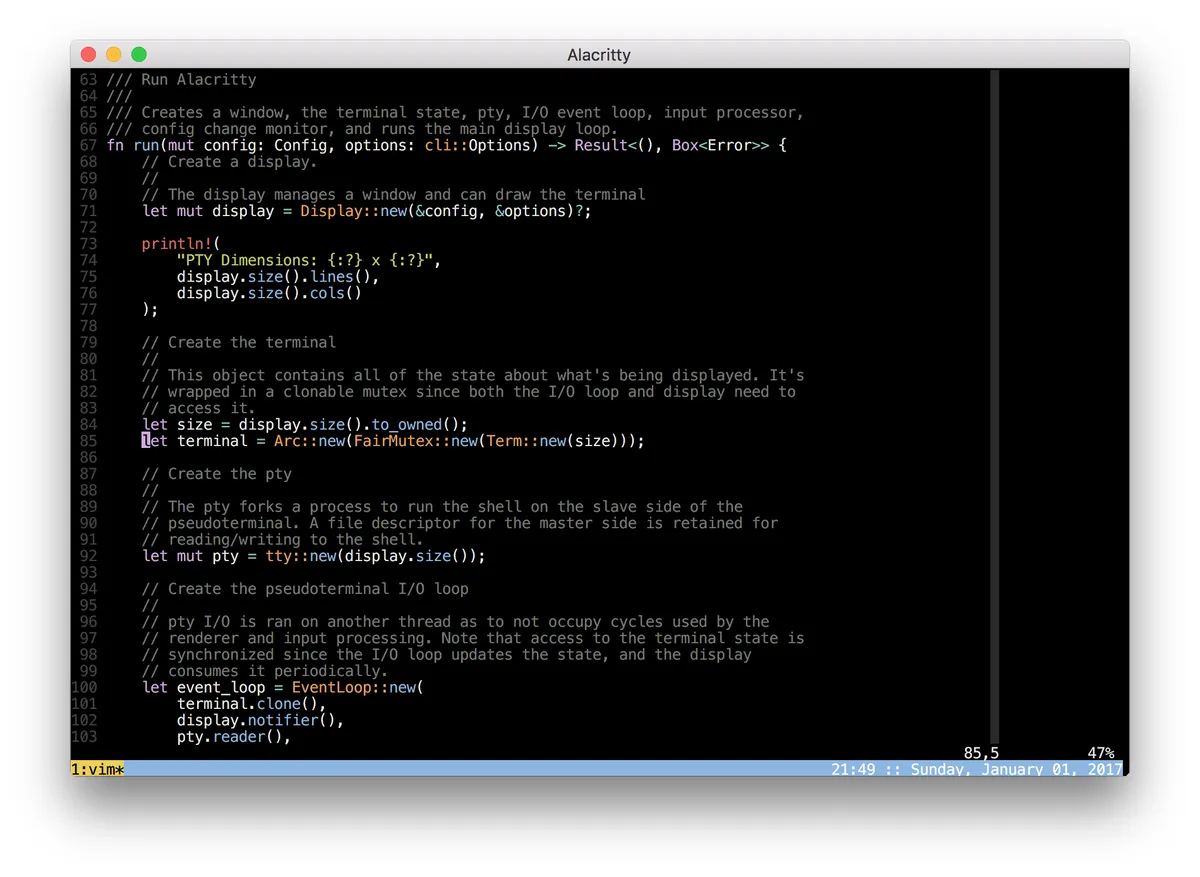
Screenshot: via open-source-mac-os-apps. Get it at alacritty.org · GitHub
13. Warp
Terminal Apps · ⭐ 65k · Free + paid plans
Warp started as a modern terminal and is now an "agentic development environment." Commands and their output are grouped into blocks you can copy or share, and you can use its built-in AI agent or bring your own, like Claude Code or Codex. It recently became open source. It is free to use, with paid plans for more AI.
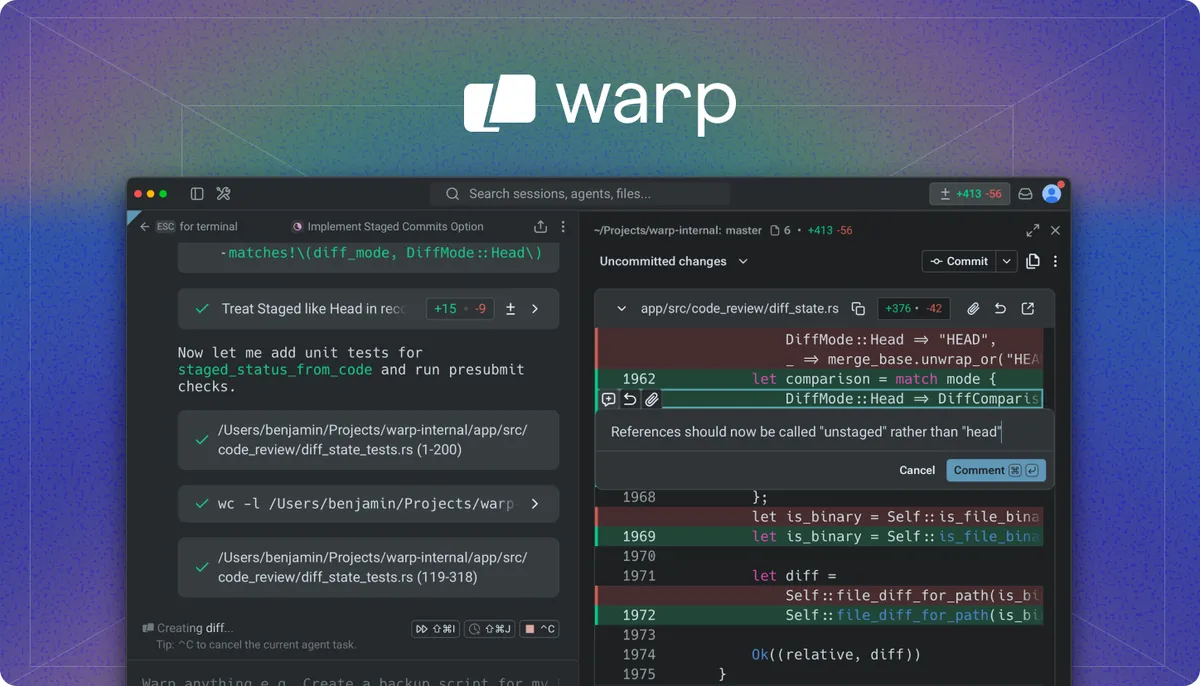
Screenshot: Warp on GitHub. Get it at warp.dev · GitHub
14. draw.io
Design and Product / Design Tools · ⭐ 63k
draw.io is a free diagram app for flowcharts, org charts, network diagrams, and more. The desktop app works fully offline and saves files on your Mac. It is a great free alternative to Visio or Lucidchart.
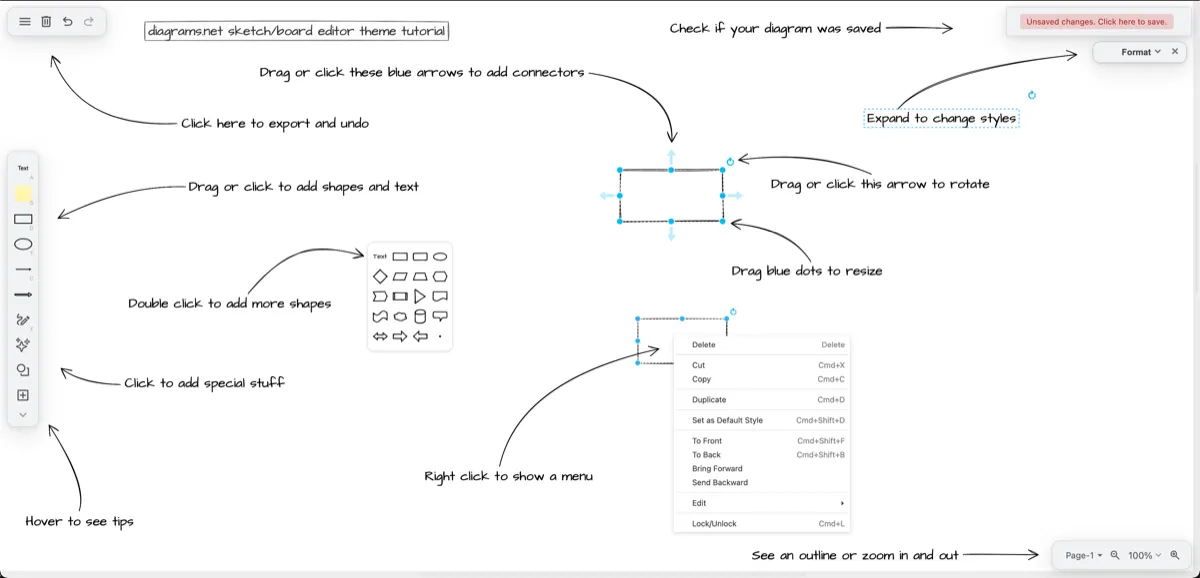
Screenshot: drawio.com. Get it at drawio.com · GitHub
15. MarkText
Reading and Writing Tools / Markdown Tools · ⭐ 62k
MarkText is a clean Markdown editor where you see the formatted result as you type, instead of a split preview. It supports tables, code blocks, math, and diagrams, and exports to HTML and PDF.
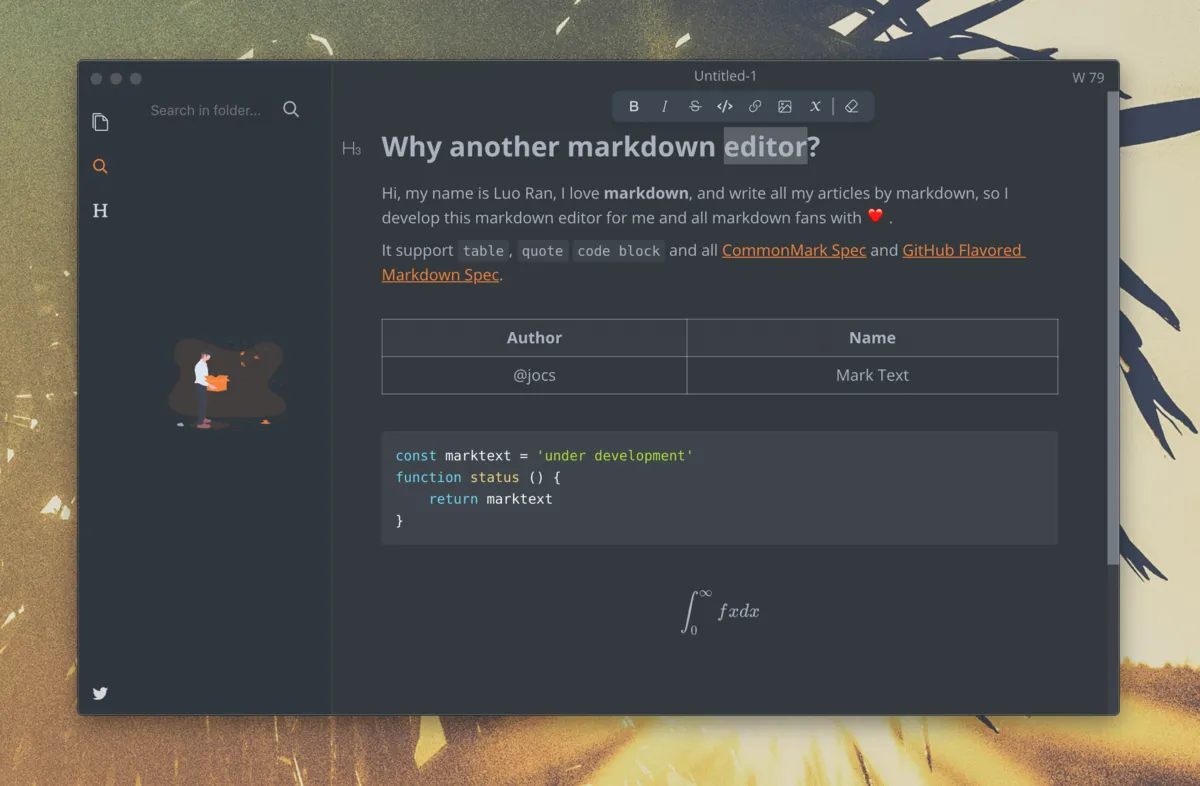
Screenshot: MarkText on GitHub. Get it at marktext.me · GitHub
16. Ghostty
Terminal Apps · ⭐ 62k
Ghostty is a fast terminal that uses the GPU, and on the Mac it is a real native app, so tabs, splits, and settings feel like they belong. It comes from Mitchell Hashimoto, co-founder of HashiCorp, and it has become a favorite with developers very quickly.
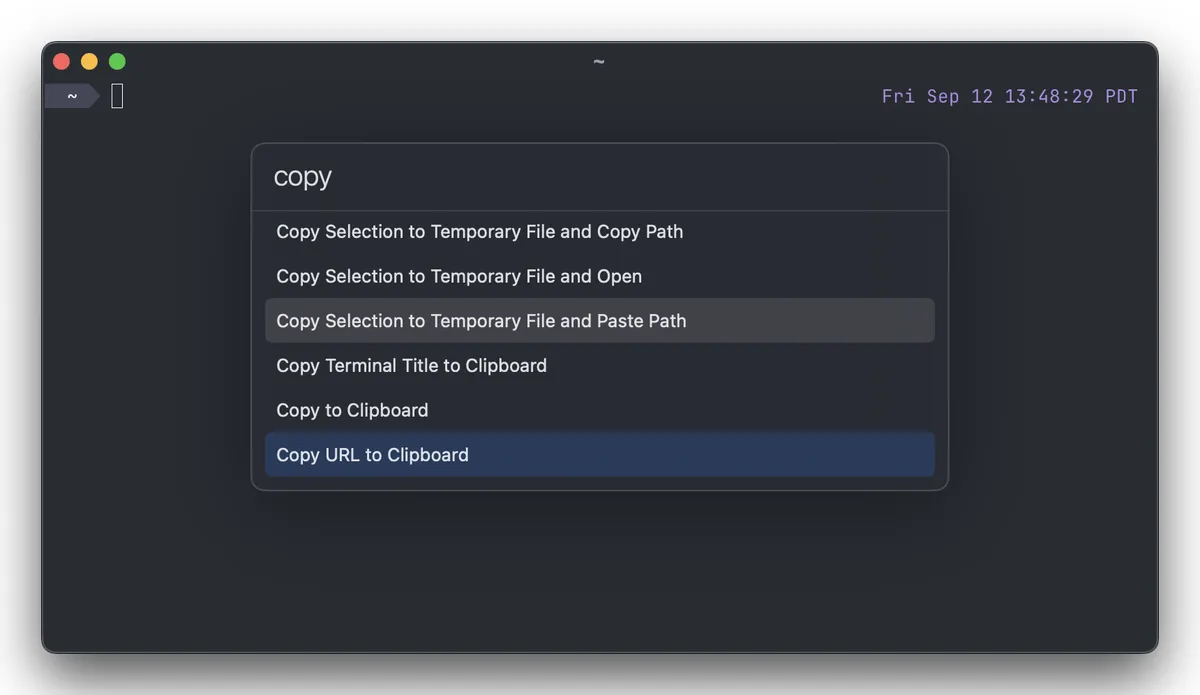
Screenshot: ghostty.org. Get it at ghostty.org · GitHub
17. Jellyfin
Audio and Video Tools · ⭐ 58k
Jellyfin turns your Mac into your own Netflix. Point it at your movies, shows, and music, and it organizes them with posters and details, then streams them to your TV, phone, or browser. It is a fully free alternative to Plex, with no account required.
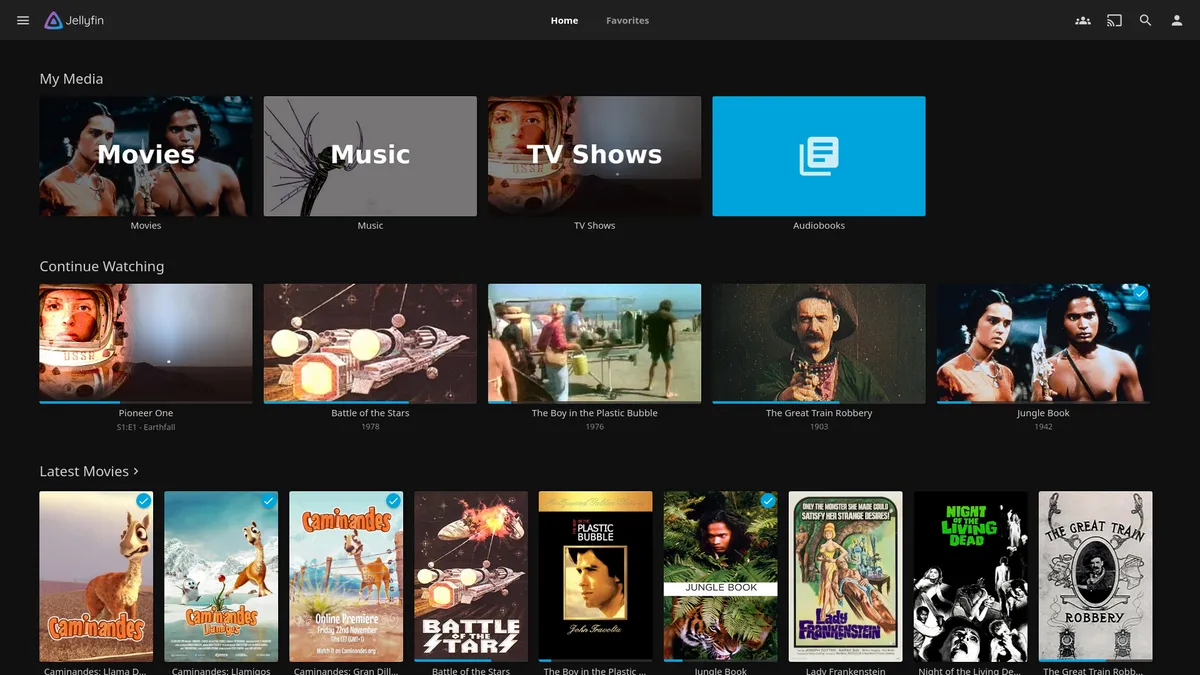
Screenshot: jellyfin.org. Get it at jellyfin.org · GitHub
18. Joplin
Reading and Writing Tools / Note-taking · ⭐ 57k · Free + paid plans
Joplin is an open-source notes app, and a good fit if you are leaving OneNote or Evernote. Notes are written in Markdown, organized in notebooks, and can sync through Dropbox, OneDrive, or the paid Joplin Cloud, with end-to-end encryption. There are apps for every platform, including Windows and phones.
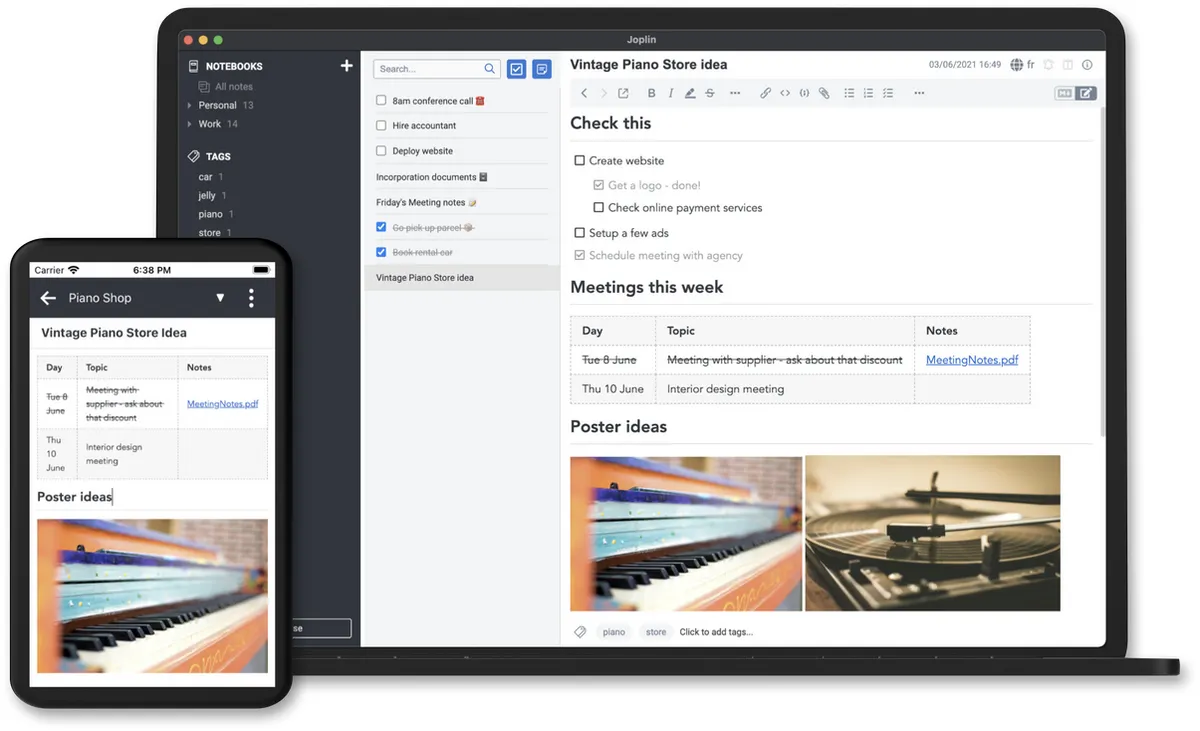
Screenshot: Joplin on GitHub. Get it at joplinapp.org · GitHub
19. Motrix
Download Management Tools · ⭐ 56k
Motrix is a download manager for big files. It speeds up downloads by splitting them into parts, and it handles HTTP, FTP, torrents, and magnet links in one simple window. Its last release was in 2023, but it still works well.
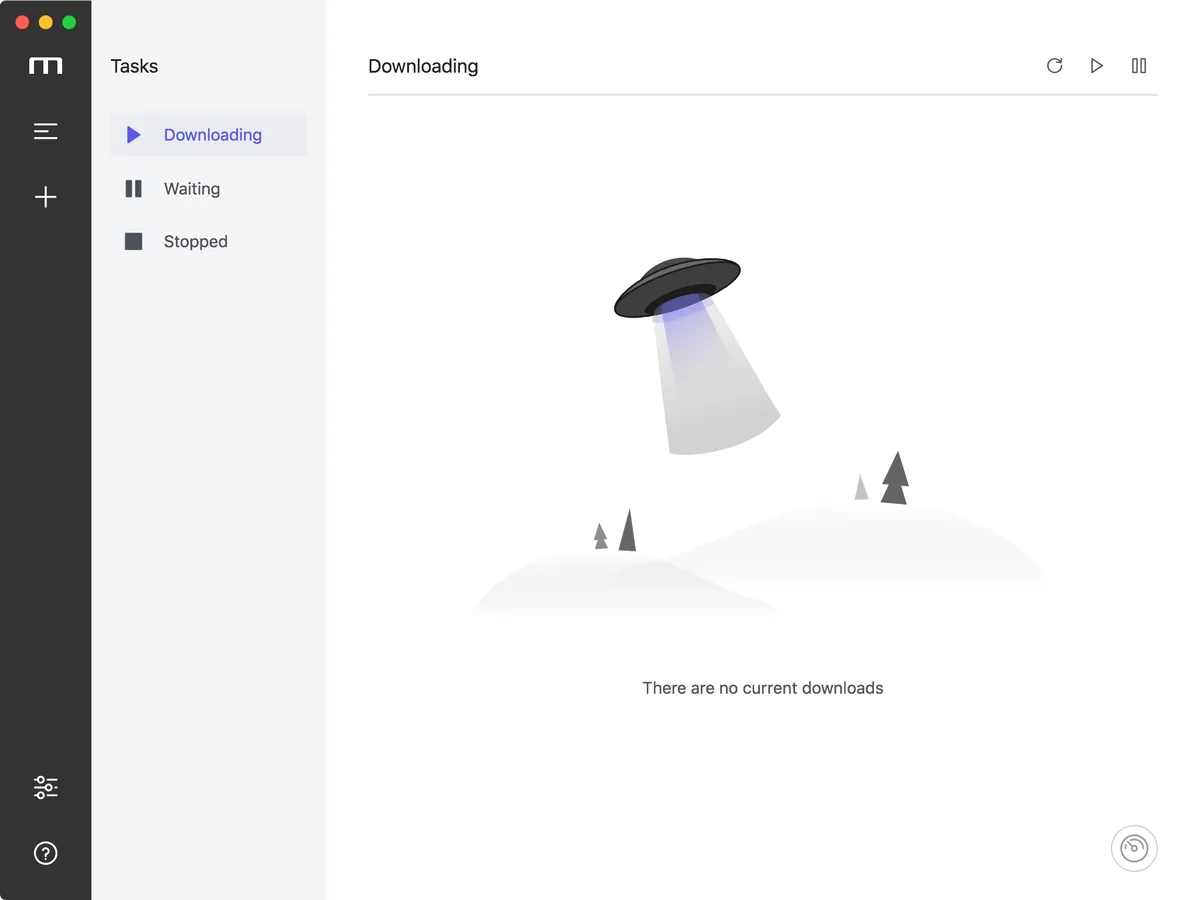
Screenshot: Motrix on GitHub. Get it at motrix.app · GitHub
20. ImHex
Developer Tools / Developer Utilities · ⭐ 55k
ImHex is a hex editor, an app for looking at the raw bytes inside any file. It is aimed at programmers and reverse engineers, with a pattern language that decodes file formats, plus a disassembler and data graphs. Niche, but the best free tool for the job.
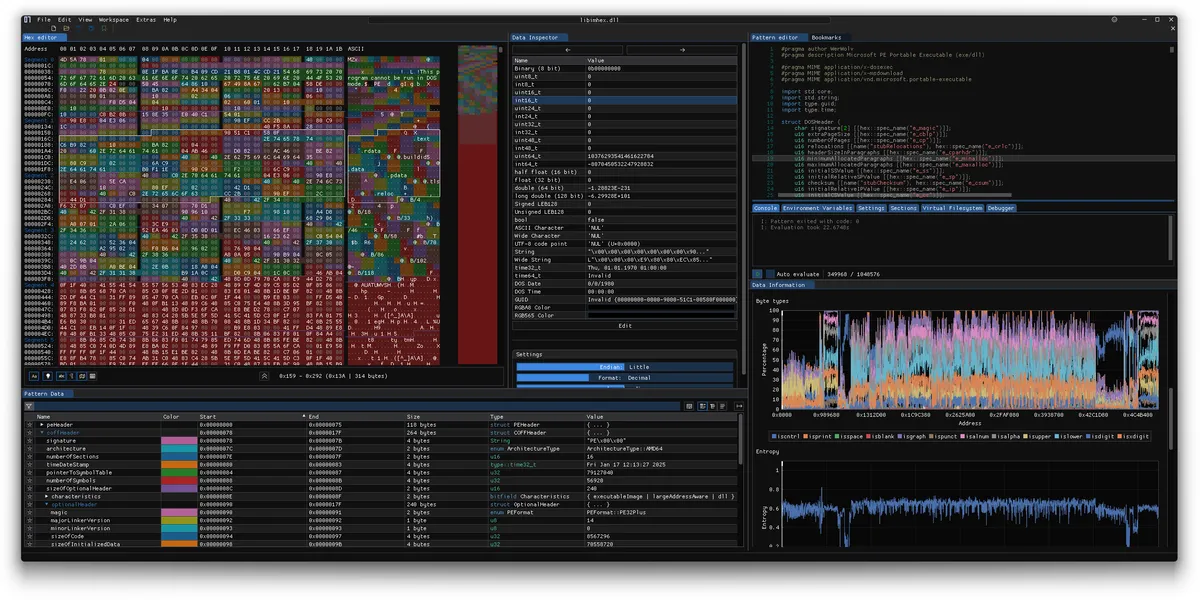
Screenshot: imhex.werwolv.net. Get it at imhex.werwolv.net · GitHub
21. Cherry Studio
AI Tools · ⭐ 52k
Cherry Studio is one desktop app for chatting with many AI models. Connect OpenAI, Claude, Gemini, and others with your own API keys, or run local models through Ollama or LM Studio. It comes with hundreds of ready-made assistants and can compare answers from several models side by side.
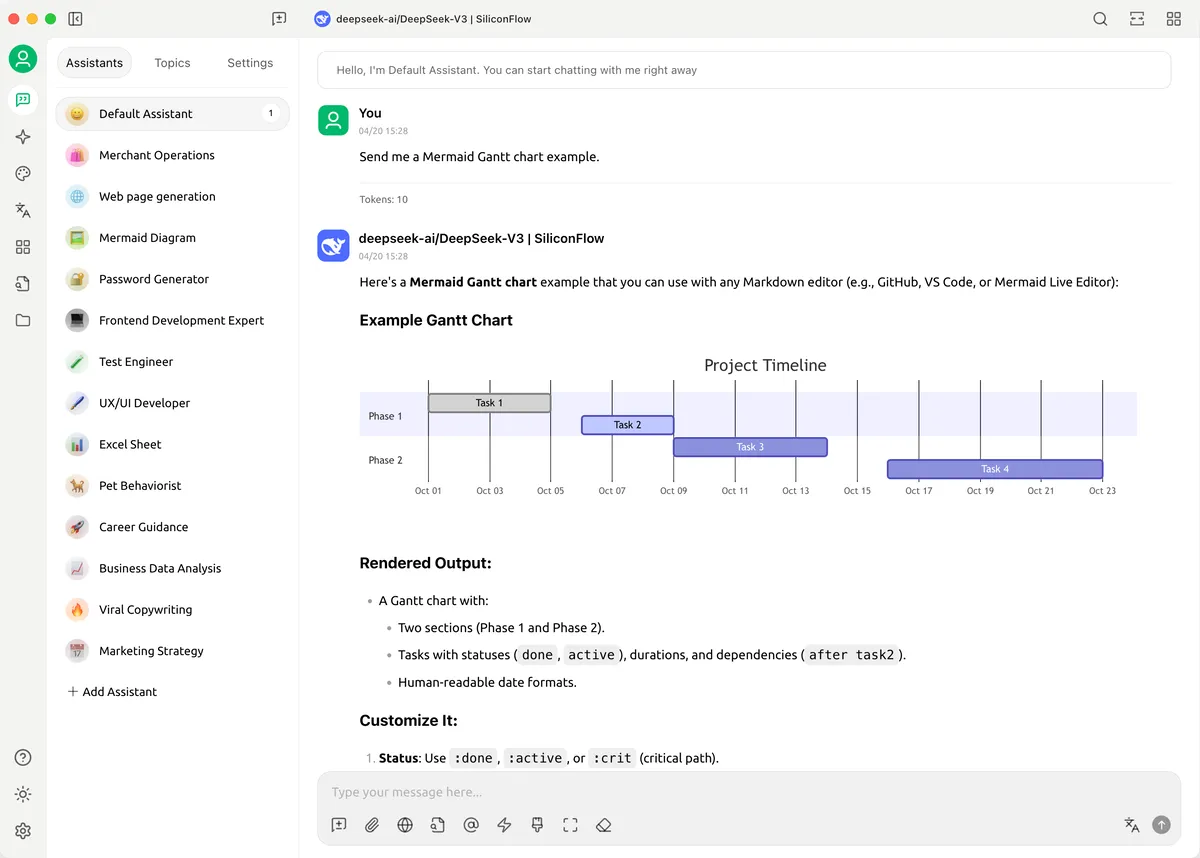
Screenshot: Cherry Studio on GitHub. Get it at cherry-ai.com · GitHub
22. Upscayl
Utilities / General Tools · ⭐ 50k
Upscayl makes small or blurry images bigger and sharper using AI. Drop in a photo, pick a model, and it upscales it right on your Mac, so nothing gets uploaded anywhere. Apple Silicon Macs handle it really well.

Screenshot: upscayl.org. Get it at upscayl.org · GitHub
23. Homebrew
Third Party App Markets / Package Managers · ⭐ 50k
Homebrew is the missing package manager for the Mac. Once it is set up, installing an app is one command, like brew install --cask rectangle, and updating everything is another. Most of the apps on this list can be installed this way. It was also the most-suggested app when I asked what to install on a new Mac.
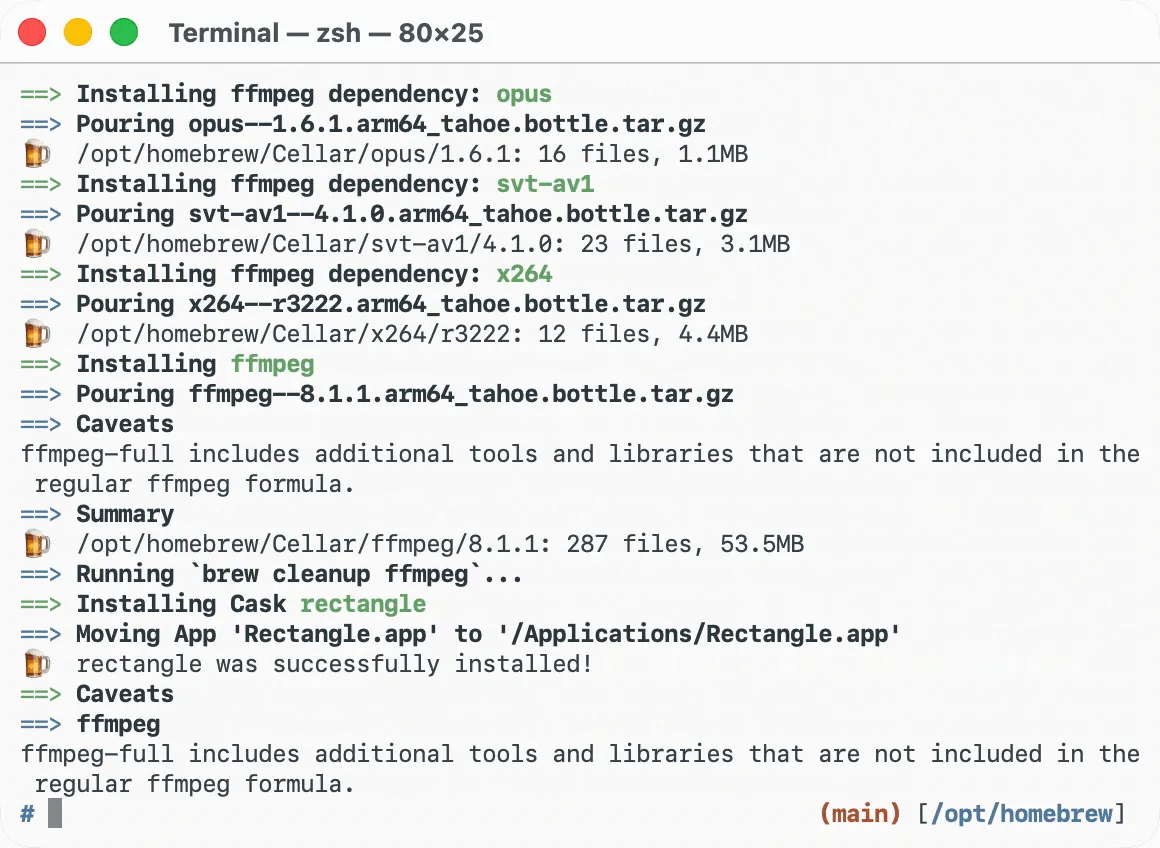
Screenshot: brew.sh. Get it at brew.sh · GitHub
24. IINA
Audio and Video Tools · ⭐ 47k
IINA is the video player the Mac should have shipped with. It plays almost any format, handles subtitles well, and looks like a modern Mac app, with picture-in-picture and trackpad gestures. If you used VLC on Windows, try IINA first.
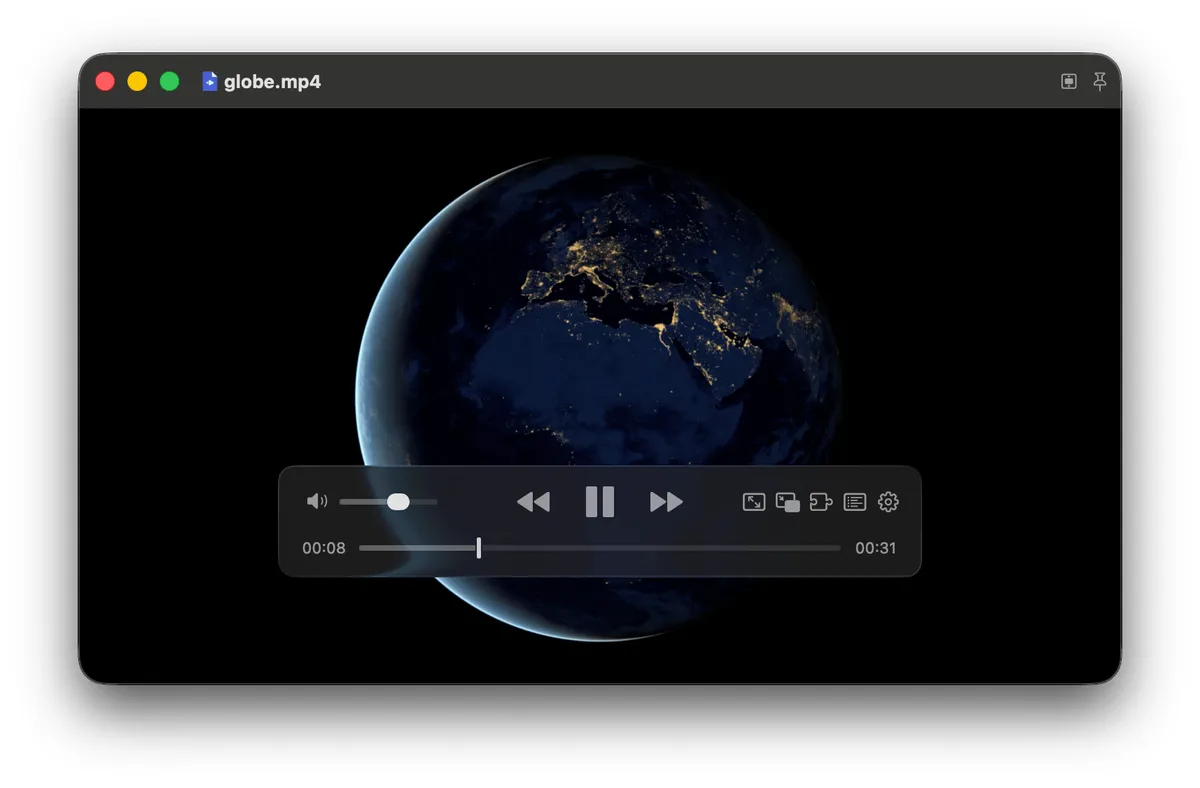
Screenshot: iina.io. Get it at iina.io · GitHub
25. Helix
Reading and Writing Tools / Text Editors · ⭐ 46k
Helix is a keyboard-driven editor for the terminal, like Vim but with smart features built in instead of added through plugins. Code completion, error checking, and syntax highlighting work out of the box. Install it with brew install helix.
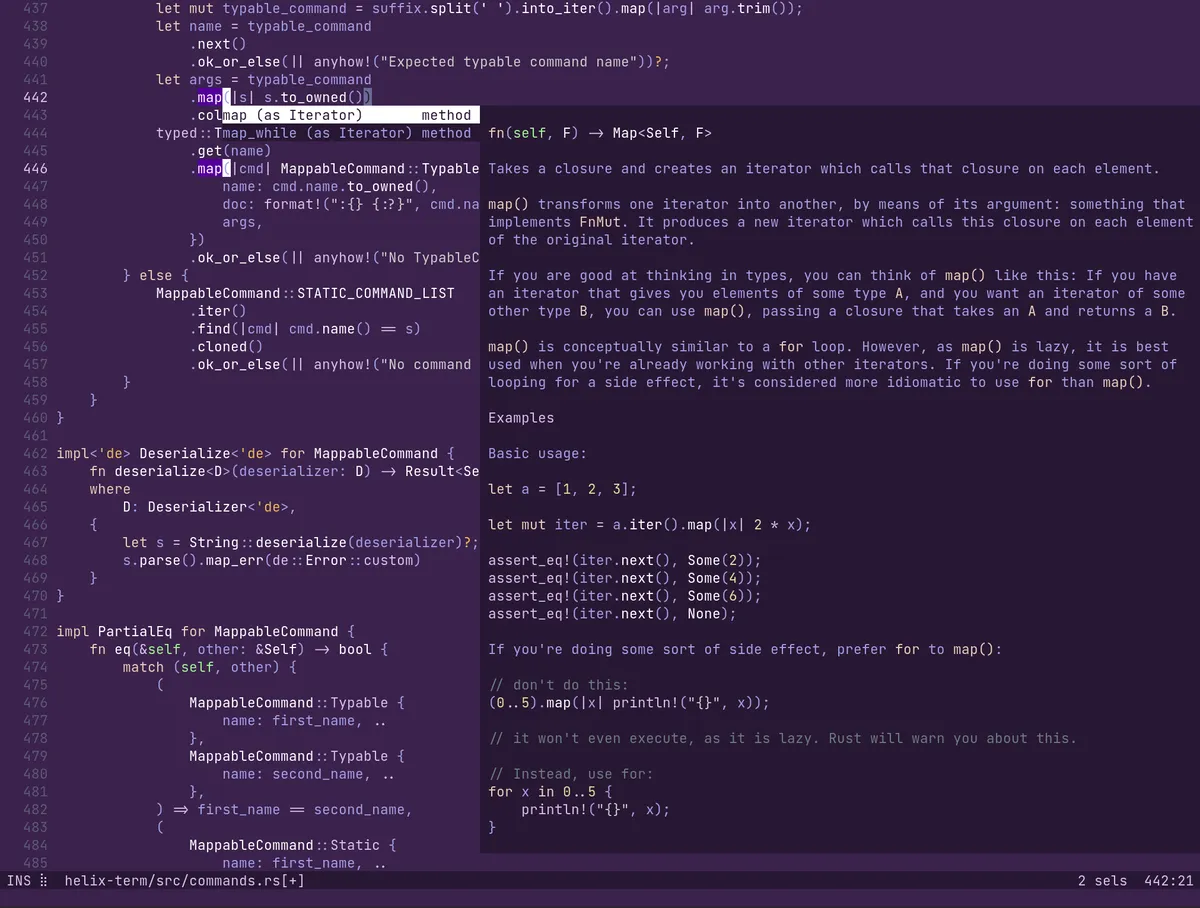
Screenshot: Helix on GitHub. Get it at helix-editor.com · GitHub
Closed-source favorites in this list
Here are the top ten closed-source apps installed most often in the past year, according to Homebrew's public install numbers.
- Google Chrome · Free · 436k Homebrew installs: Google's browser, with sync across your devices and the biggest extension library.
- Claude · Free + paid plans · 213k Homebrew installs: Anthropic's AI assistant as a desktop app, for writing, research, and coding.
- Obsidian · Free + paid add-ons · 192k Homebrew installs: a notes app that keeps everything as Markdown files on your Mac, with links between notes and thousands of plugins. Sync and publishing are paid add-ons.
- OrbStack · Free for personal use · 183k Homebrew installs: a fast, light way to run Docker containers and Linux machines. A paid license is needed for commercial use.
- Tailscale · Free + paid plans · 148k Homebrew installs: a private network that connects your devices securely, wherever they are.
- Postman · Free + paid plans · 140k Homebrew installs: the most widely used app for building and testing APIs.
- Cursor · Free + paid plans · 119k Homebrew installs: an AI code editor built on VS Code, with autocomplete, chat, and a coding agent.
- Raycast · Free + paid plans · 116k Homebrew installs: a launcher that replaces Spotlight, with clipboard history, window management, snippets, and AI. I wrote a whole post about it.
- Discord · Free + paid plans · 94k Homebrew installs: voice, video, and text chat for communities and friends.
- Slack · Free + paid plans · 83k Homebrew installs: team chat, used by most workplaces.
Other GitHub lists worth checking
These lists are worth a bookmark too:
- open-source-mac-os-apps (⭐ 51k): only open-source Mac apps, with screenshots and the programming language for each one. I picked the 25 most-starred apps from it.
- iCHAIT/awesome-macOS (⭐ 19k): a smaller, hand-picked list of free and paid Mac apps, plus setup guides. I picked the 25 most-starred apps from it.
- herrbischoff/awesome-macos-command-line (⭐ 31k): Terminal tricks to change hidden settings and do more from the command line. It is archived now, but still a great reference.
- mathiasbynens/dotfiles (⭐ 31k): the famous
.macosscript that sets up sensible defaults, mostly for developers. - macOS Security and Privacy Guide (⭐ 23k): a detailed guide to locking down your Mac.
- awesome-macos-screensavers (⭐ 4k): just for fun, a list of screensavers.
- awesome-windows (⭐ 3k): the same idea for Windows. Handy for finding the Mac version of an app you used to rely on.
- awesome-swift-macos-apps (⭐ 2k): open-source Mac apps written in Swift, from the same maintainer as awesome-mac.
- awesome-native-macosx-apps (⭐ 2k): native Mac apps only, nothing built on Electron. I combined it with four other lists to find the 25 most-starred native Mac apps.
One more thing
You do not need all 25. Pick the two or three that fix something that annoys you today, and come back to the list when something else does.
Also check out the apps I actually run day to day.
Frequently asked questions
What is awesome-mac?
awesome-mac is a free, community-maintained list of Mac apps on GitHub, created by jaywcjlove. It has more than 1,300 apps in 24 categories and over 115,000 stars, and it is updated almost every day.
What is the most-starred app on awesome-mac?
As of October 2026, the most-starred app on awesome-mac is CC Switch, with about 140,000 GitHub stars. RustDesk (125,000) and Neovim (103,000) come next.
Are the apps on awesome-mac free?
Many are. Over 700 of the apps are open source, and badges mark which ones are open source, freeware, or on the App Store. Apps without a badge are usually paid or closed source.
What are the most popular paid or closed-source apps on awesome-mac?
Based on Homebrew installs in the past year, the most-installed closed-source apps on the list are Google Chrome, Claude, Obsidian, OrbStack, and Tailscale.
How do I install apps from awesome-mac?
Each entry links to the app's website or GitHub page, where you can download it. Most apps can also be installed with Homebrew, for example brew install --cask localsend.