Top 25 most-starred Mac apps from the open-source-mac-os-apps GitHub repo by serhii-londar
862 free, open-source Mac apps in one GitHub list. Here are the 25 most-starred, from VS Code to OBS, each with a screenshot and what it does.
Every app in this list has one thing in common: its code is public. You can see how it works, and you never have to wonder what it does with your data.
open-source-mac-os-apps is a GitHub list of open-source Mac apps, started by Serhii Londar in 2017.
The numbers, as of today:
- 51,000+ stars and almost 3,000 forks.
- 862 apps across 39 categories.
- Every one of them is open source, and almost all are free.
At a glance
| # | App | Category | Stars |
|---|---|---|---|
| 1 | Visual Studio Code | IDE | 193k |
| 2 | Stirling-PDF | Utilities | 94k |
| 3 | Zed | Editors | 91k |
| 4 | Bitcoin Core | Cryptocurrency | 90k |
| 5 | OBS Studio | Streaming | 77k |
| 6 | Tabby | Terminal | 75k |
| 7 | Alacritty | Terminal | 66k |
| 8 | MarkText | Editors | 62k |
| 9 | Joplin | Notes | 57k |
| 10 | Motrix | Downloader | 56k |
| 11 | DBeaver | Database | 52k |
| 12 | IINA | Player | 47k |
| 13 | Hyper | Terminal | 45k |
| 14 | LosslessCut | Audio | 44k |
| 15 | Stats | Menubar | 42k |
| 16 | Vim | IDE | 41k |
| 17 | qBittorrent | Sharing Files | 41k |
| 18 | Insomnia | Development | 40k |
| 19 | Aseprite | Graphics | 40k |
| 20 | mpv | Audio | 37k |
| 21 | kitty | Terminal | 35k |
| 22 | balenaEtcher | Utilities | 34k |
| 23 | MonitorControl | Audio | 34k |
| 24 | FreeCAD | Graphics | 34k |
| 25 | VSCodium | IDE | 34k |
How to read the list
Each entry is more detailed than most lists. You get the app's name and a short description, plus:
- Languages: small icons showing what the app is written in, like Swift, C++, or JavaScript. Native Mac apps are usually Swift or Objective-C.
- Website: a link to the app's homepage, when it has one.
- Screenshots: a collapsed section you can click to open. This is the best part, because you can see an app before you download anything.
Because everything is open source, the name of each app links straight to its source code on GitHub.
Categories worth browsing
The sections are listed alphabetically with the number of apps in each. The biggest ones are where most of the good stuff is:
- Utilities (126 apps): the catch-all for small, useful tools.
- Productivity (81): notes, to-do lists, time tracking, and launchers.
- Menubar (59): little apps that live in the top bar of your screen.
- Audio (40): recorders, players, and sound controls.
- Window Management (17): snapping and tiling windows.
- Terminal, IDE, and Development: if you write code.
The 25 most-starred apps
The list does not rank its apps, so I used the one public signal it has: GitHub stars. I looked up the star count for every open-source app on the list and kept the top 25. I only left out things that are not Mac apps: code libraries, command-line tools, server-only software, and other lists.
Each app shows its category in the list (linked to that section) and its GitHub stars. They are all free unless marked otherwise. Star counts are as of October 2026.
1. Visual Studio Code
IDE · ⭐ 193k
VS Code is Microsoft's free code editor and the most popular one in the world. It supports almost every language through extensions, has Git and a terminal built in, and works with AI assistants like GitHub Copilot. If you write any code at all, you will probably end up here.
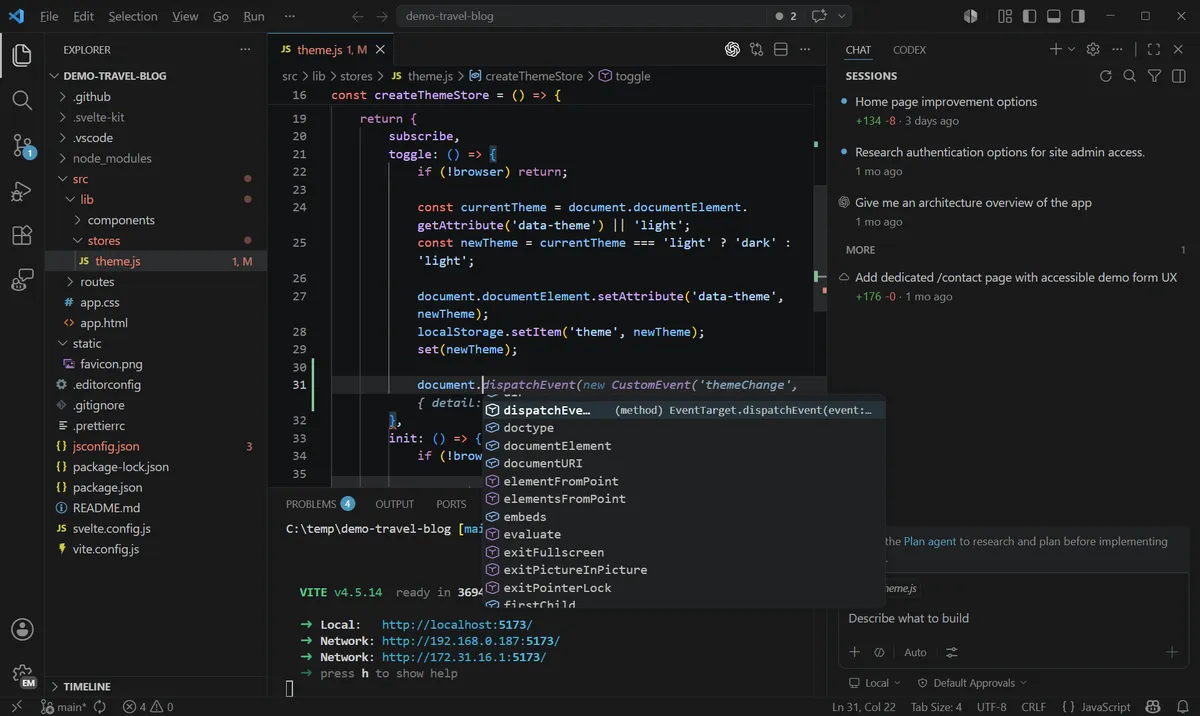
Screenshot: VS Code on GitHub. Get it at code.visualstudio.com · GitHub
2. Stirling-PDF
Utilities · ⭐ 94k · Free + paid plans
Stirling-PDF has over 50 PDF tools in one place: merge, split, sign, redact, convert, compress, and OCR. Unlike most free PDF websites, you can run it on your own Mac as a desktop app, so your documents never leave your computer. Paid plans are for companies running it on their own servers.
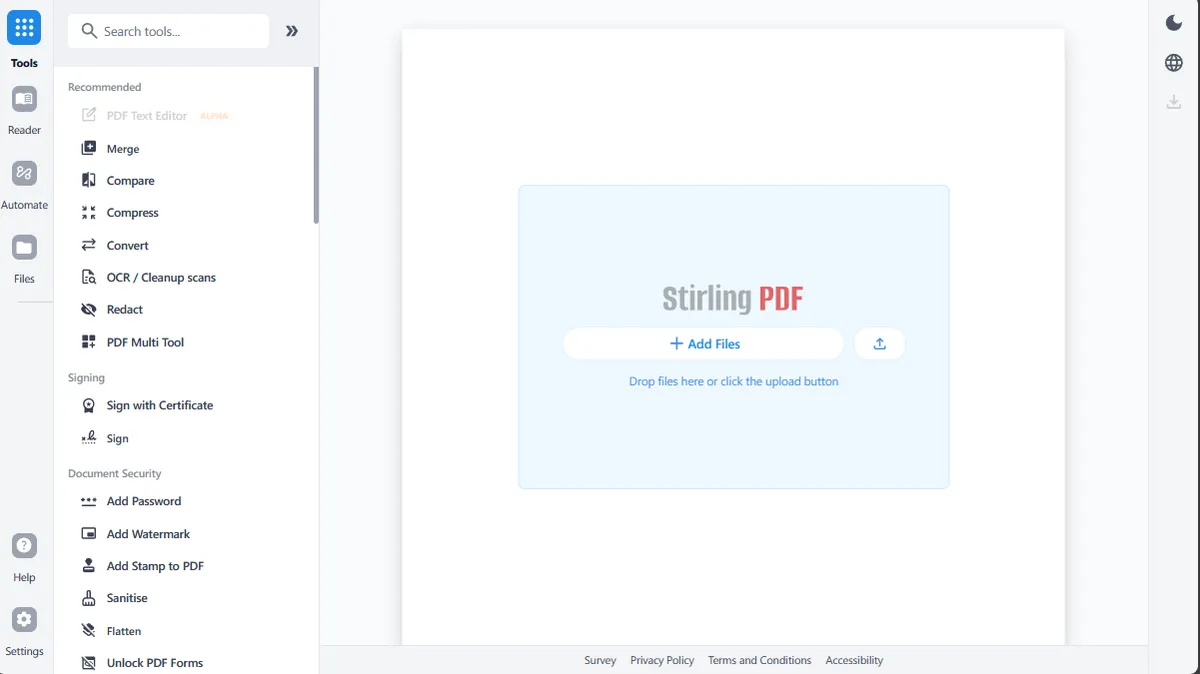
Screenshot: Stirling-PDF on GitHub. Get it at stirling.com · GitHub
3. Zed
Editors · ⭐ 91k · Free + paid plans
Zed is a code editor built for speed, from the people who created Atom. It opens instantly, stays smooth on big projects, and has AI assistance and real-time collaboration built in. The editor is free, and there are paid plans for more AI usage. If VS Code feels heavy, try Zed.
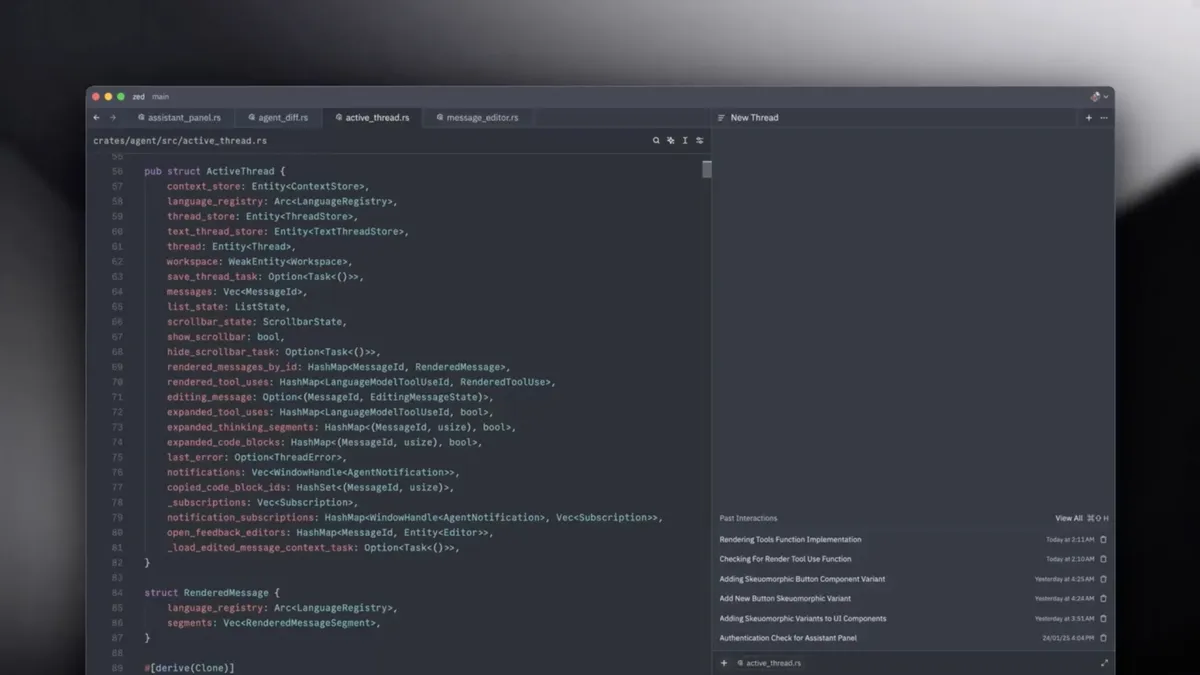
Screenshot: zed.dev. Get it at zed.dev · GitHub
4. Bitcoin Core
Cryptocurrency · ⭐ 90k
Bitcoin Core is the original Bitcoin software. It runs a full Bitcoin node on your Mac, downloading and checking the entire blockchain yourself, and includes a wallet. It needs a lot of disk space, so it is mainly for people who want to verify everything themselves.
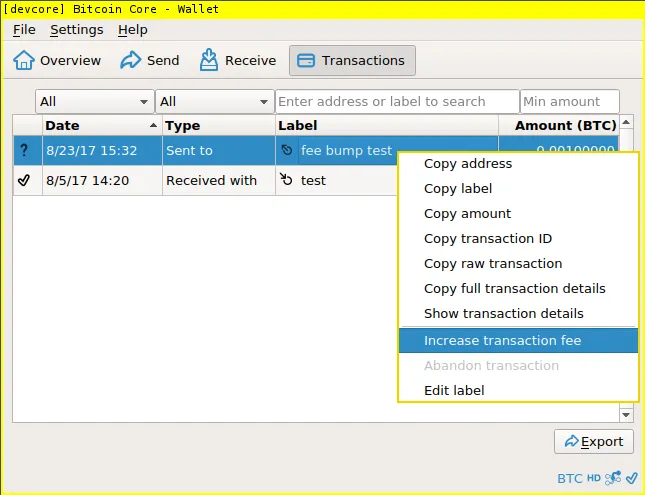
Screenshot: bitcoincore.org. Get it at bitcoincore.org · GitHub
5. OBS Studio
Streaming · ⭐ 77k
OBS is the free standard for screen recording and live streaming. You build "scenes" from sources like your screen, a window, your webcam, and your mic, then record or stream to YouTube or Twitch. It takes a few minutes to learn, but nothing free comes close for tutorials, demos, or streaming.
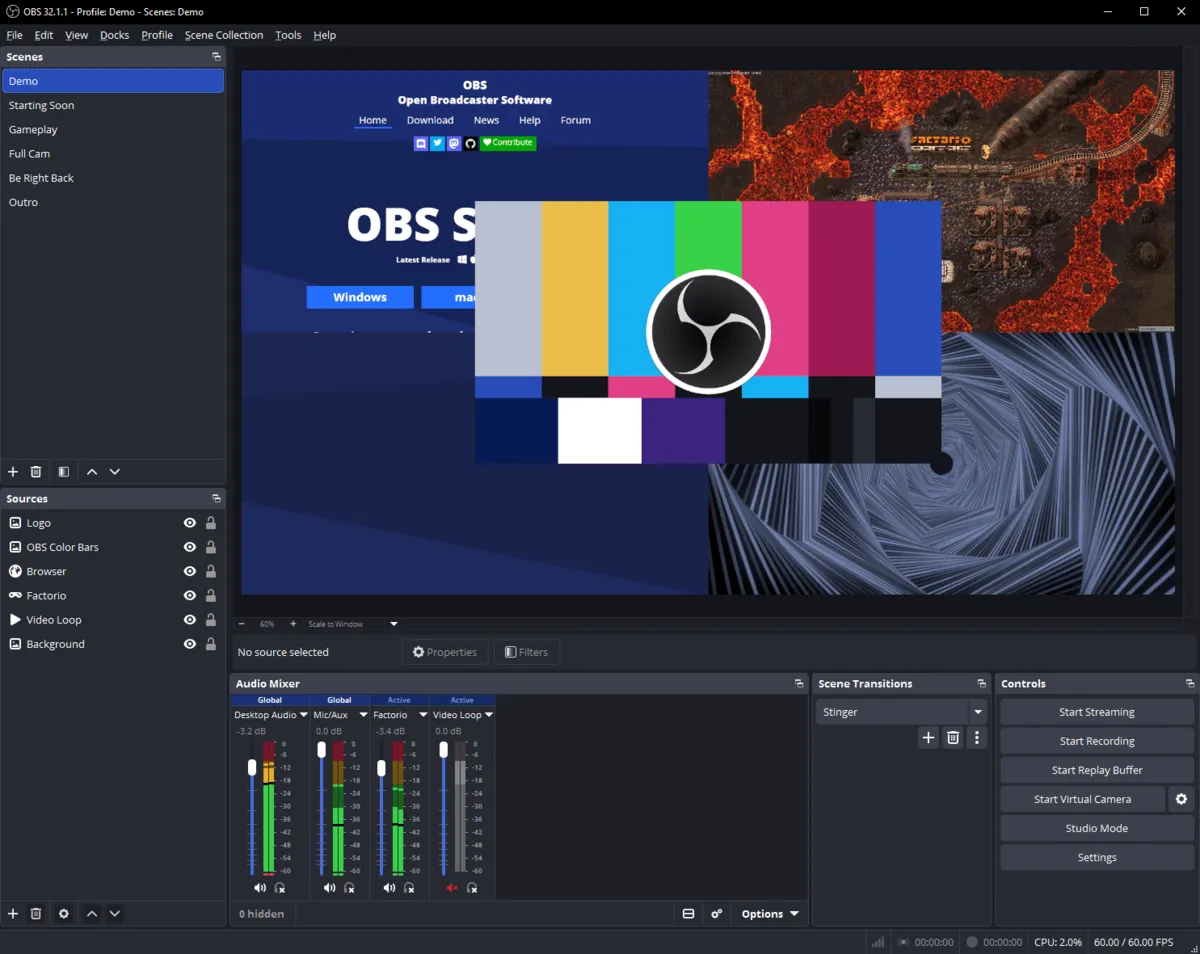
Screenshot: obsproject.com. Get it at obsproject.com · GitHub
6. Tabby
Terminal · ⭐ 75k
Tabby is a modern, highly customizable terminal. It has tabs, split panes, themes, and a built-in SSH and serial client that remembers your connections. It runs on Mac, Windows, and Linux, so your terminal feels the same everywhere.
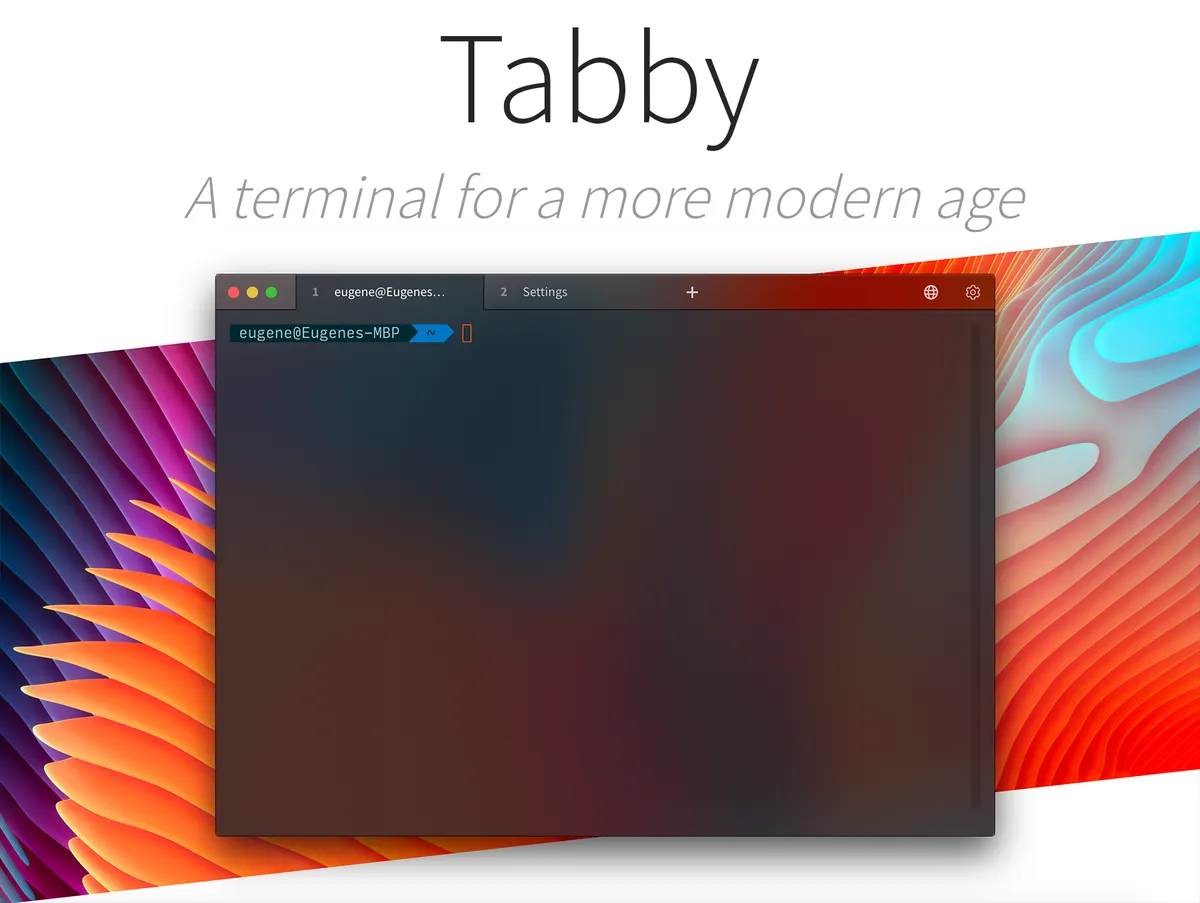
Screenshot: Tabby on GitHub. Get it at tabby.sh · GitHub
7. Alacritty
Terminal · ⭐ 66k
Alacritty is a terminal built for one thing: speed. It uses your GPU to draw text, has no tabs or extra features, and is configured with a simple text file. People often pair it with tmux or Zellij for tabs and splits.
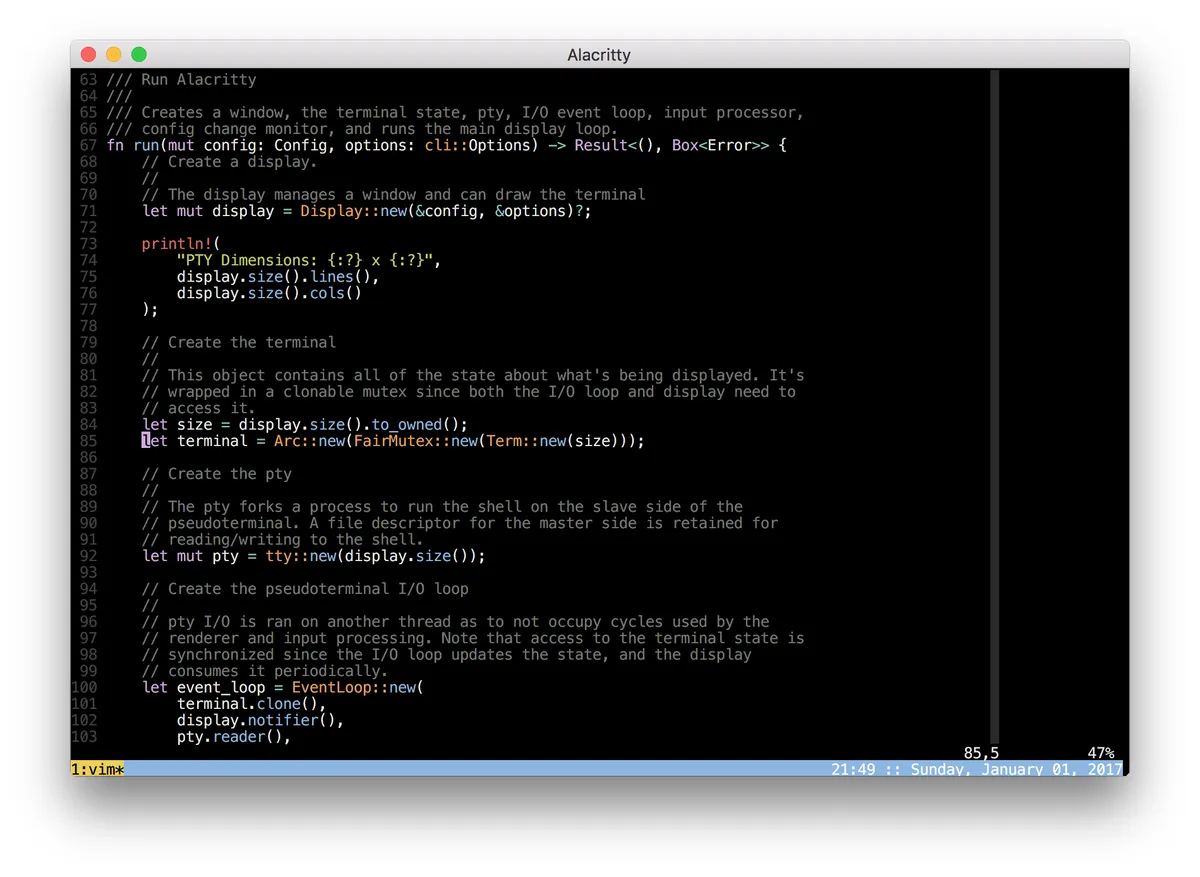
Screenshot: via open-source-mac-os-apps. Get it at alacritty.org · GitHub
8. MarkText
Editors · ⭐ 62k
MarkText is a clean Markdown editor where you see the formatted result as you type, instead of a split preview. It supports tables, code blocks, math, and diagrams, and exports to HTML and PDF.
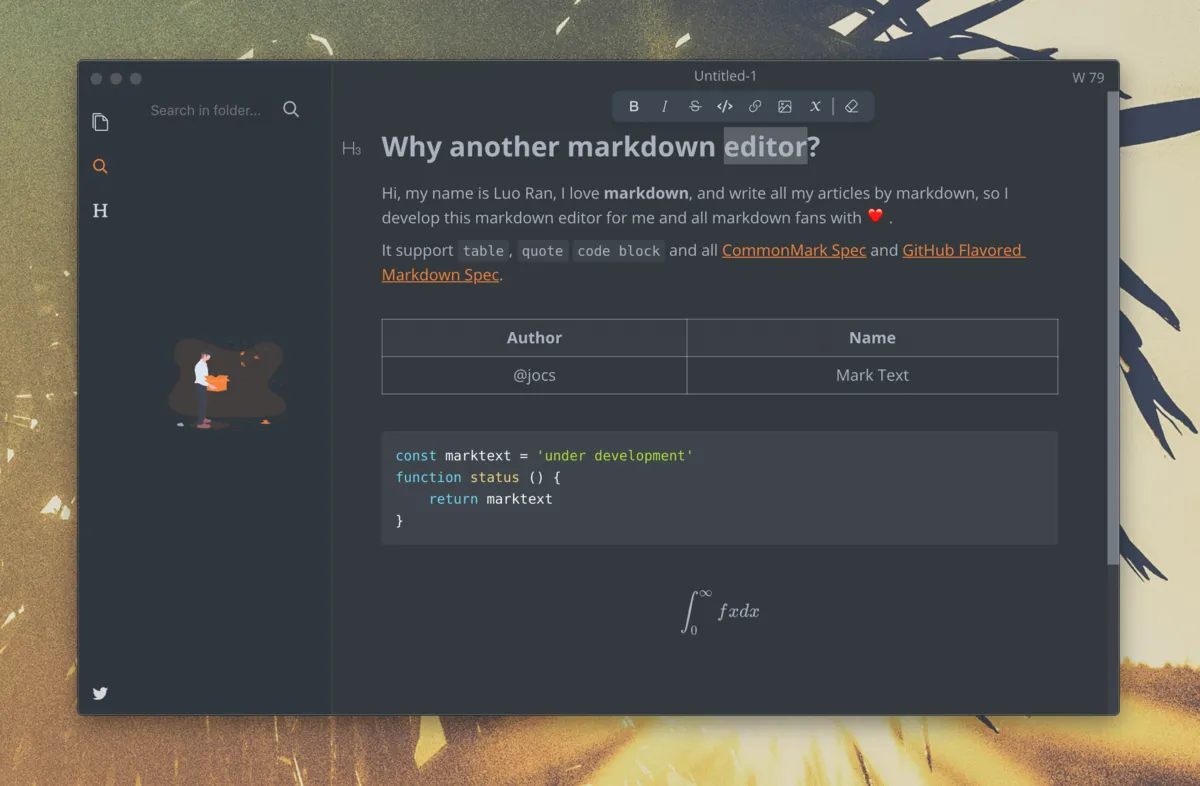
Screenshot: MarkText on GitHub. Get it at marktext.me · GitHub
9. Joplin
Notes · ⭐ 57k · Free + paid plans
Joplin is an open-source notes app, and a good fit if you are leaving OneNote or Evernote. Notes are written in Markdown, organized in notebooks, and can sync through Dropbox, OneDrive, or the paid Joplin Cloud, with end-to-end encryption. There are apps for every platform, including Windows and phones.
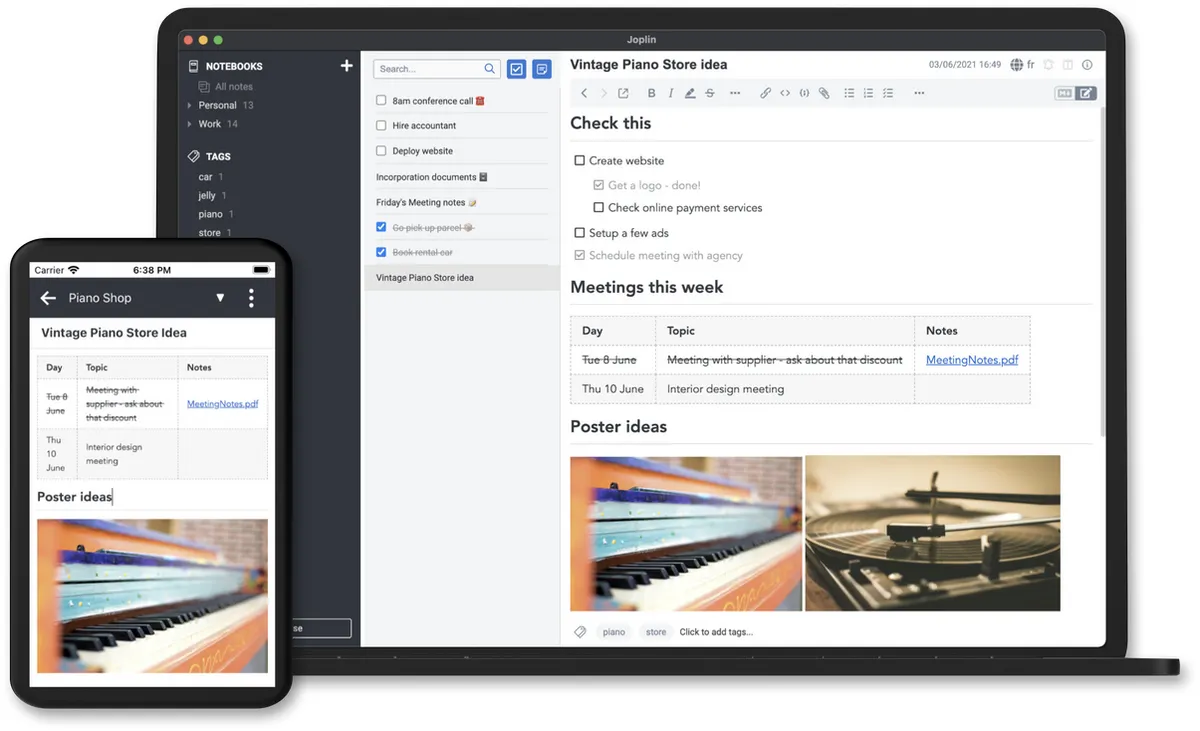
Screenshot: Joplin on GitHub. Get it at joplinapp.org · GitHub
10. Motrix
Downloader · ⭐ 56k
Motrix is a download manager for big files. It speeds up downloads by splitting them into parts, and it handles HTTP, FTP, torrents, and magnet links in one simple window. Its last release was in 2023, but it still works well.
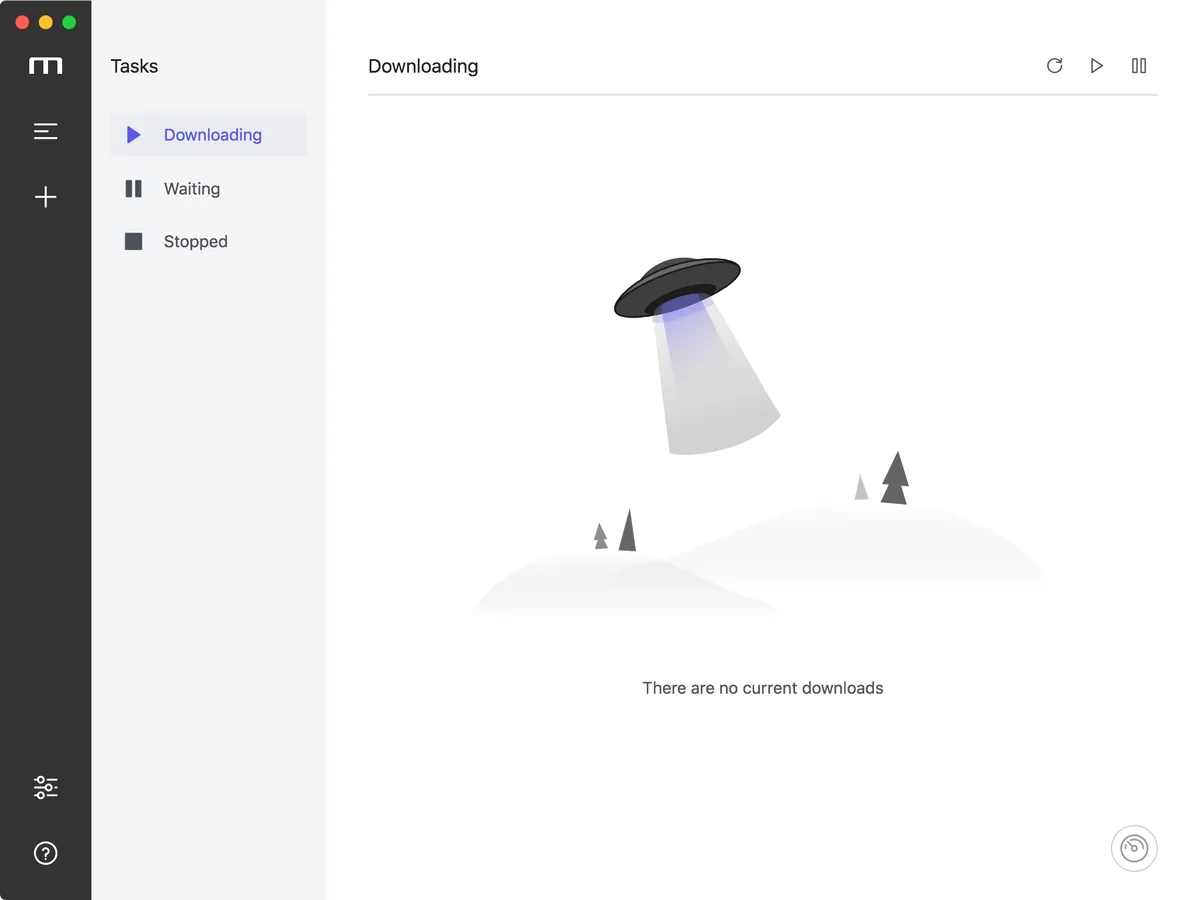
Screenshot: Motrix on GitHub. Get it at motrix.app · GitHub
11. DBeaver
Database · ⭐ 52k · Free + paid plans
DBeaver is a free database tool that connects to almost anything: PostgreSQL, MySQL, SQLite, SQL Server, and many more. Browse tables, run SQL, and edit data from one app. The Community edition is free, and paid editions add more features.
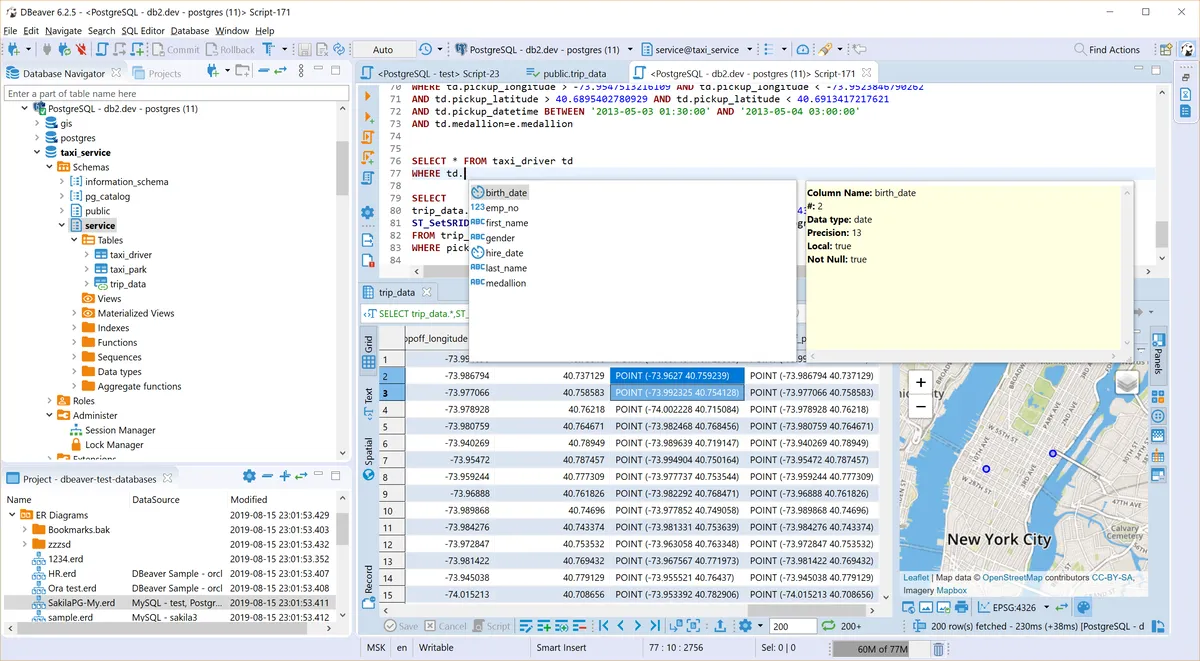
Screenshot: dbeaver.io. Get it at dbeaver.io · GitHub
12. IINA
Player · ⭐ 47k
IINA is the video player the Mac should have shipped with. It plays almost any format, handles subtitles well, and looks like a modern Mac app, with picture-in-picture and trackpad gestures. If you used VLC on Windows, try IINA first.
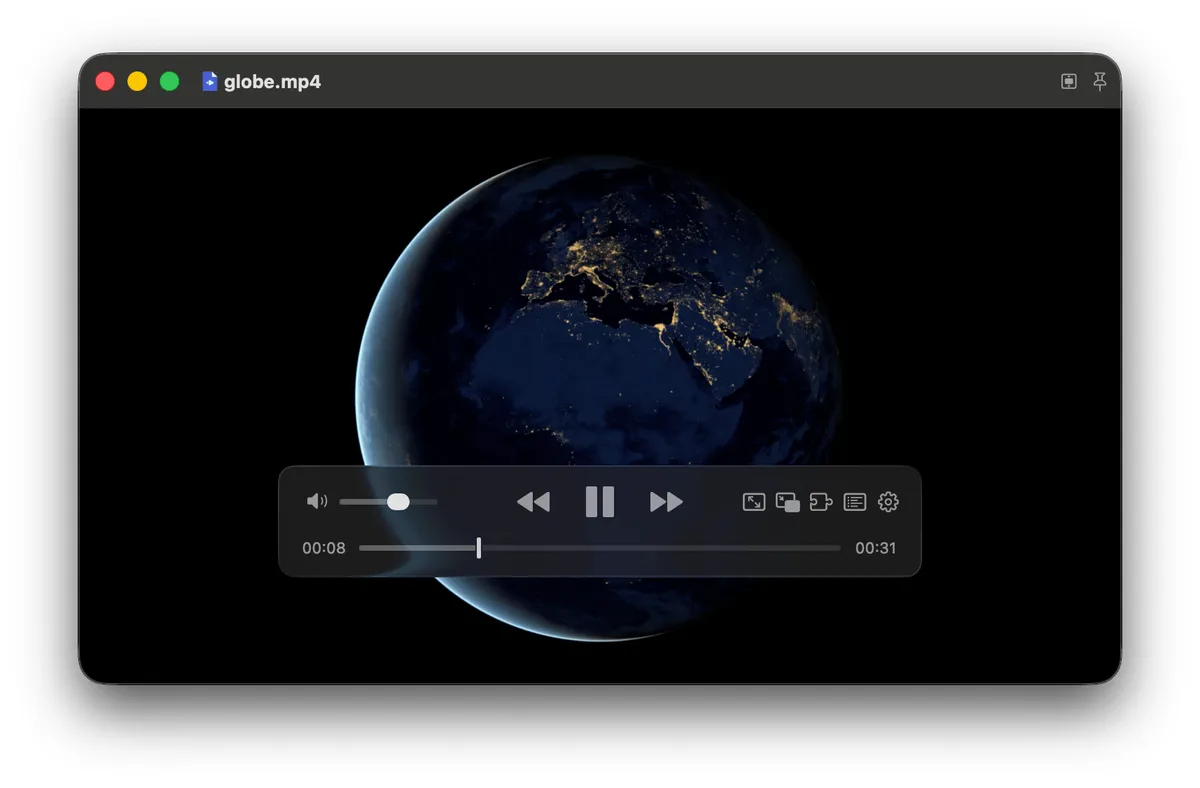
Screenshot: iina.io. Get it at iina.io · GitHub
13. Hyper
Terminal · ⭐ 45k
Hyper is a terminal built with web technologies, which makes it easy to theme and extend with plugins written in JavaScript. Its last release was in early 2023, so newer options like Ghostty are a better pick today.
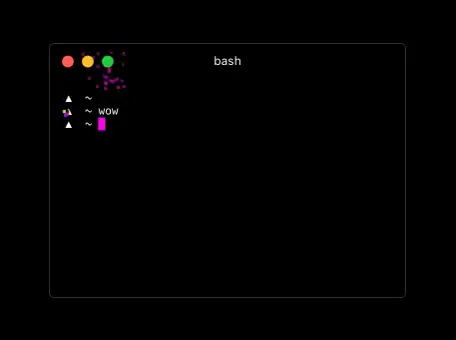
Screenshot: hyper.is. Get it at hyper.is · GitHub
14. LosslessCut
Audio · ⭐ 44k
LosslessCut trims and splits video and audio without re-encoding. That means it is nearly instant and the quality stays exactly the same. It is perfect for cutting the boring parts out of a long recording before you share it.
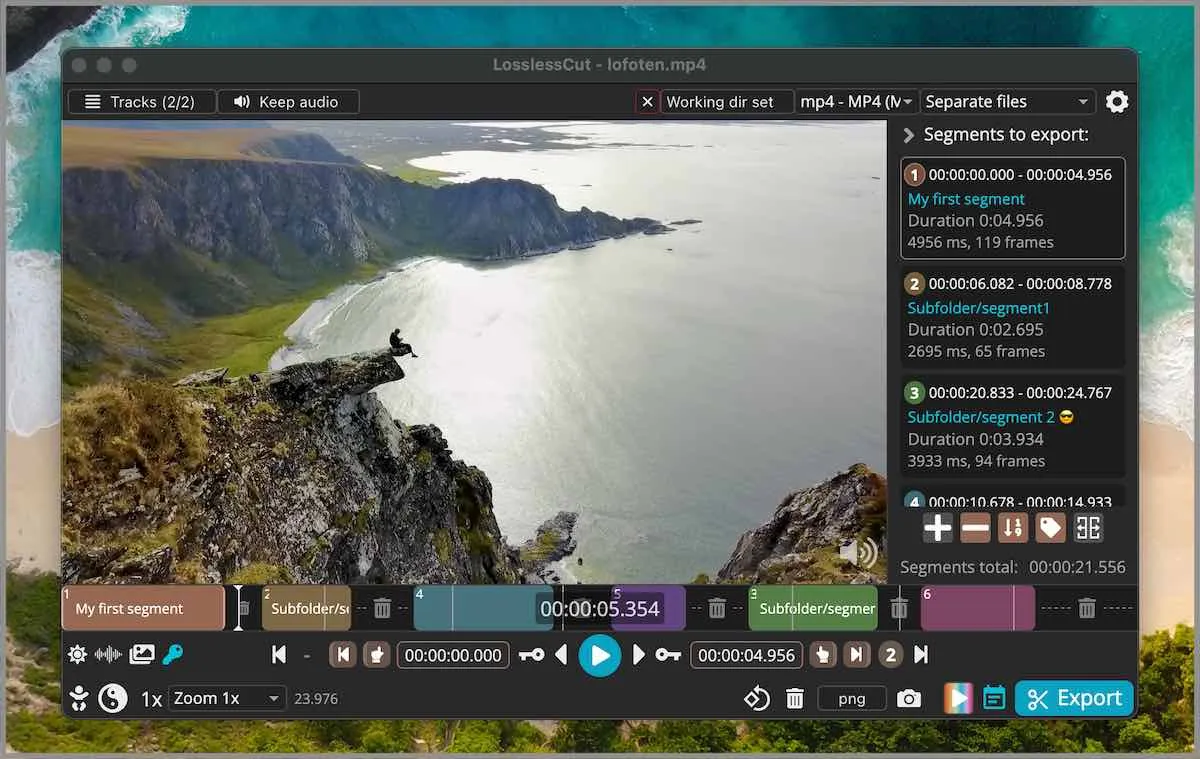
Screenshot: LosslessCut on GitHub. Get it at losslesscut.app · GitHub
15. Stats
Menubar · ⭐ 42k
Stats is the closest thing to Task Manager in your menu bar. It shows CPU, memory, disk, network, battery, and temperatures at a glance, and clicking each one opens a detailed panel. It is free and very light.
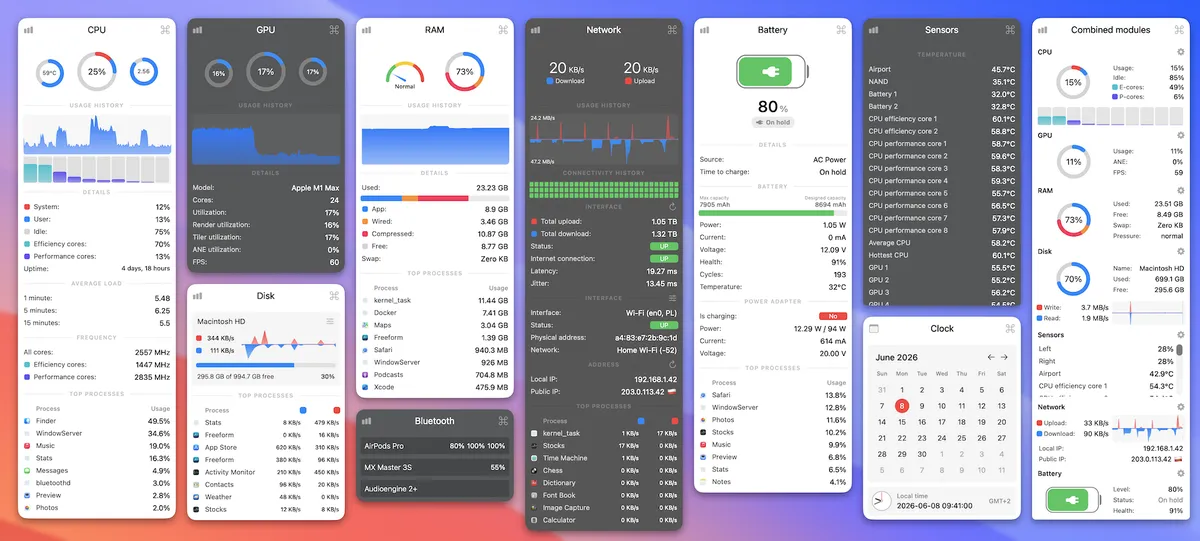
Screenshot: mac-stats.com. Get it at mac-stats.com · GitHub
16. Vim
IDE · ⭐ 41k
Vim is the classic keyboard-driven text editor, and it already comes with every Mac. Type vim in Terminal to open it. Once you learn its shortcuts you can edit text very fast, which is why it has been loved for over 30 years.
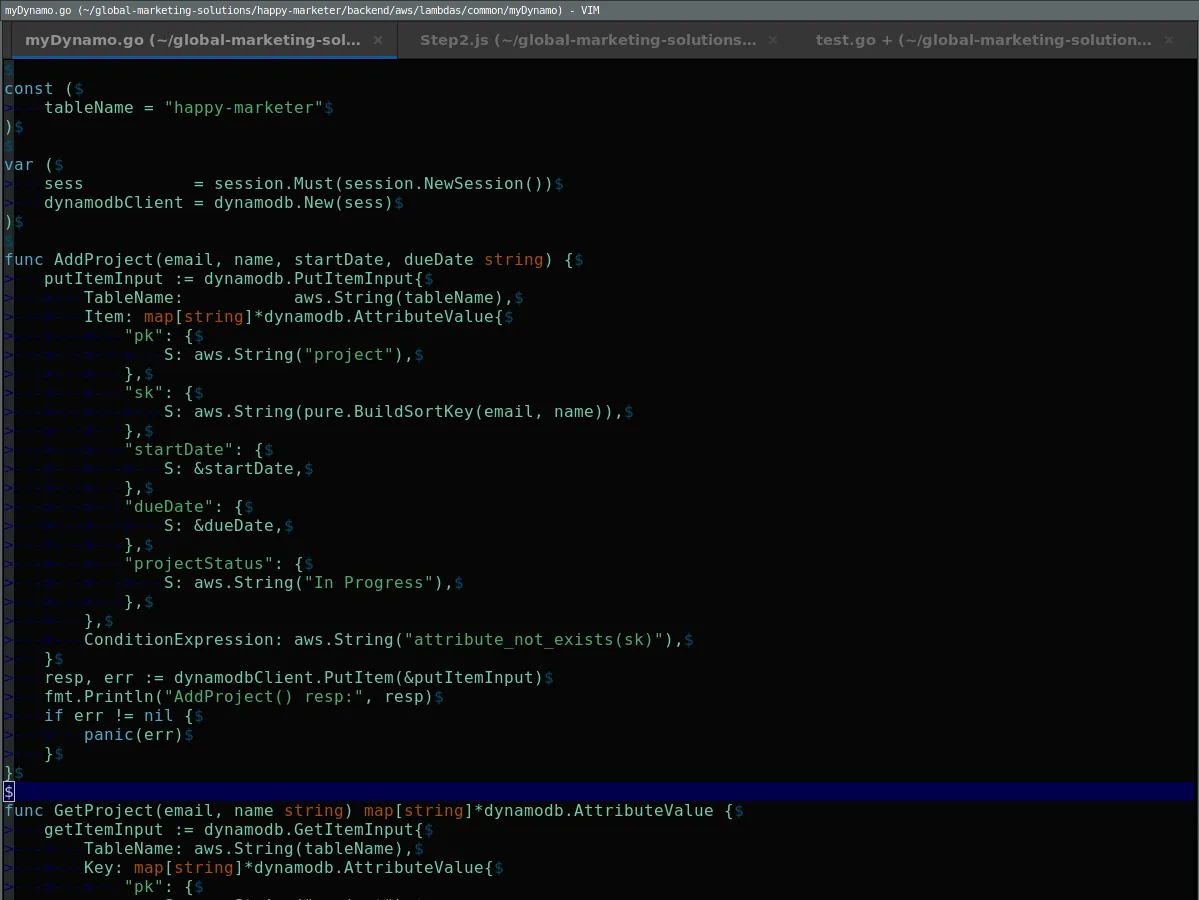
Screenshot: Wikimedia Commons. Get it at vim.org · GitHub
17. qBittorrent
Sharing Files · ⭐ 41k
qBittorrent is a free, ad-free torrent app. It has a built-in search, lets you pick which files in a torrent to download, and can schedule downloads. It is a clean alternative to apps that come with ads.
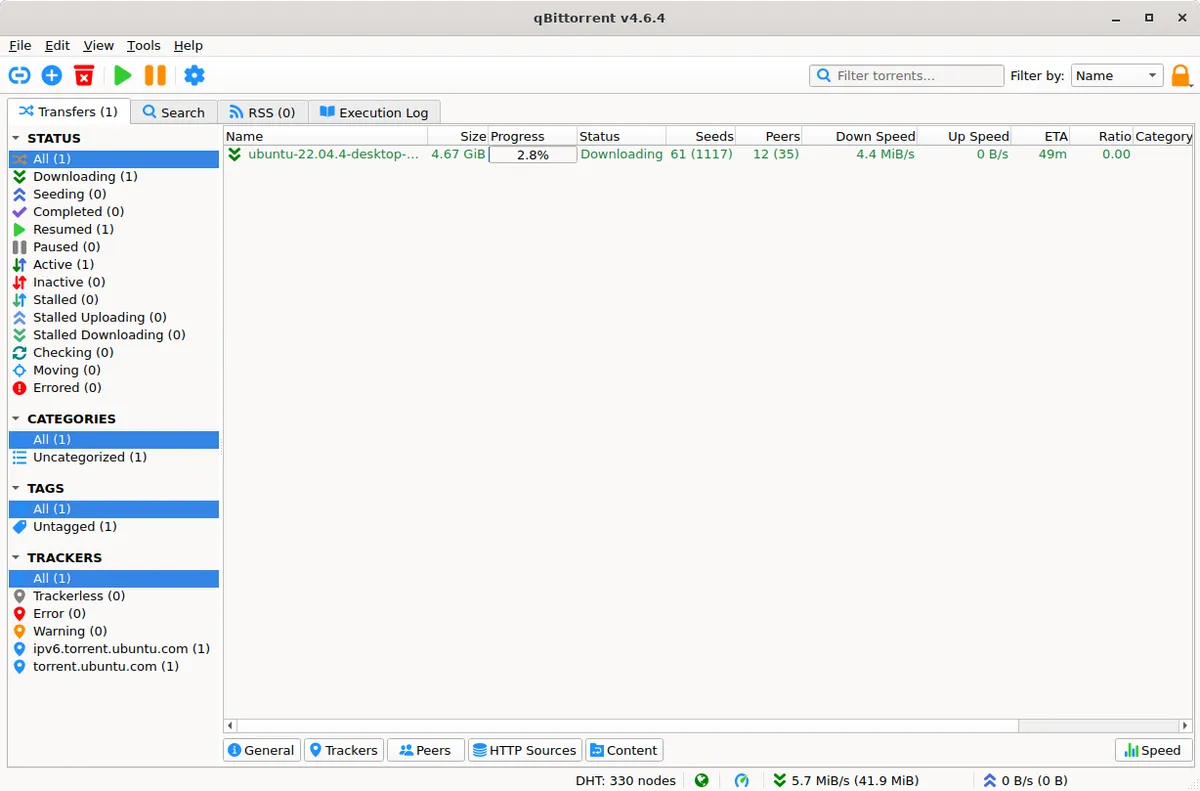
Screenshot: qbittorrent.org. Get it at qbittorrent.org · GitHub
18. Insomnia
Development · ⭐ 40k · Free + paid plans
Insomnia is an API client for testing REST, GraphQL, WebSocket, and gRPC APIs. It is a popular alternative to Postman, with a free tier and paid plans for teams.
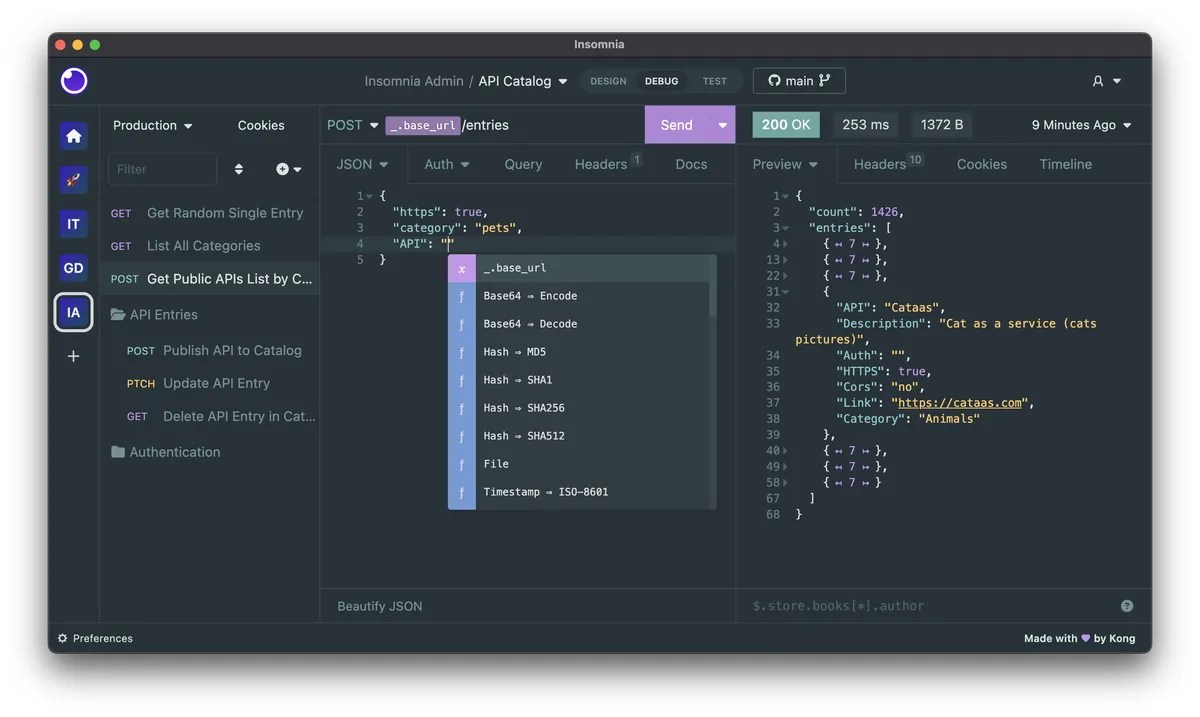
Screenshot: Insomnia on GitHub. Get it at insomnia.rest · GitHub
19. Aseprite
Graphics · ⭐ 40k · Paid
Aseprite is the go-to app for pixel art and sprite animation, used by many indie game developers. The ready-to-use app is paid. The source code is public, so you can also build it yourself for free if you are comfortable with that.
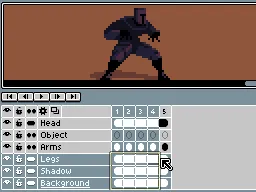
Screenshot: aseprite.org. Get it at aseprite.org · GitHub
20. mpv
Audio · ⭐ 37k
mpv is a minimal, powerful video player that plays nearly any format with excellent quality. It has almost no buttons and is controlled with the keyboard and a config file. If you want the same engine with a friendly Mac interface, IINA is built on top of mpv.
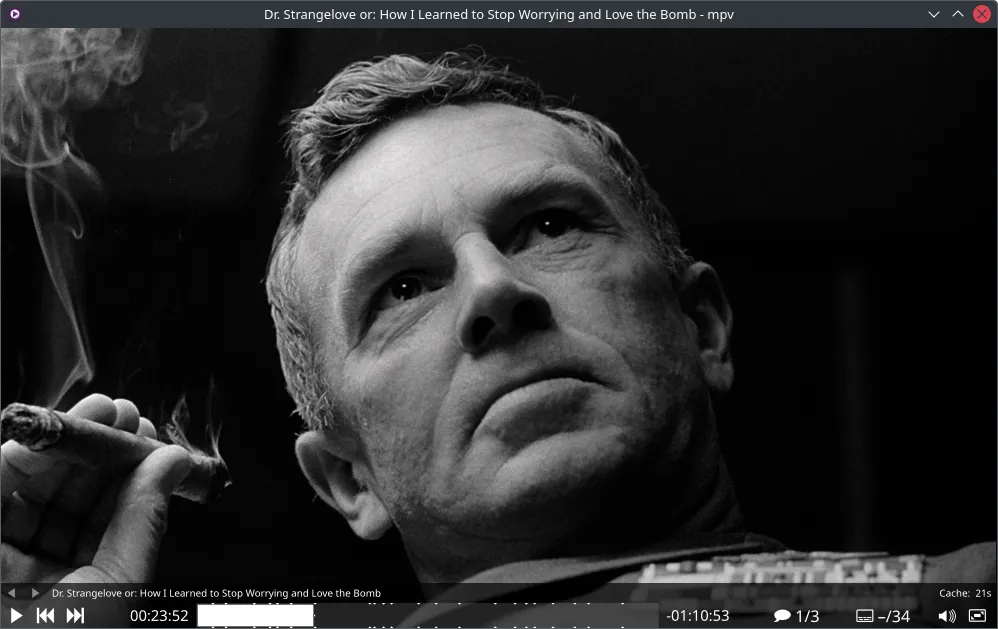
Screenshot: mpv.io. Get it at mpv.io · GitHub
21. kitty
Terminal · ⭐ 35k
kitty is a fast, GPU-powered terminal with tabs, split windows, and the ability to show images right in the terminal. It is very configurable and popular with people who live in the command line.
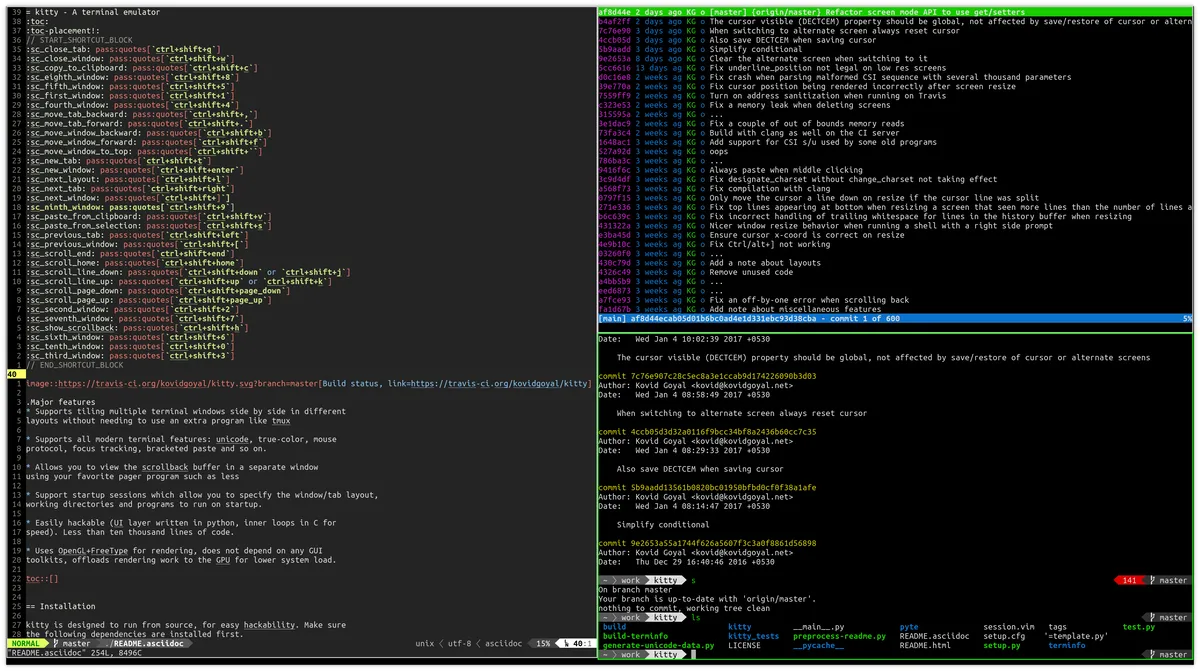
Screenshot: kitty. Get it at sw.kovidgoyal.net/kitty · GitHub
22. balenaEtcher
Utilities · ⭐ 34k
balenaEtcher writes a disk image to a USB drive or SD card in three clicks: pick the image, pick the drive, flash. It checks the result and hides your Mac's internal drive so you cannot erase it by accident. Handy for making a Linux or Raspberry Pi drive.
Get it at etcher.balena.io · GitHub
23. MonitorControl
Audio · ⭐ 34k
Your Mac's brightness and volume keys only work on Apple displays. MonitorControl makes them work on most external monitors too, with the same on-screen indicator you get on Apple displays. If you use an external monitor, install this.
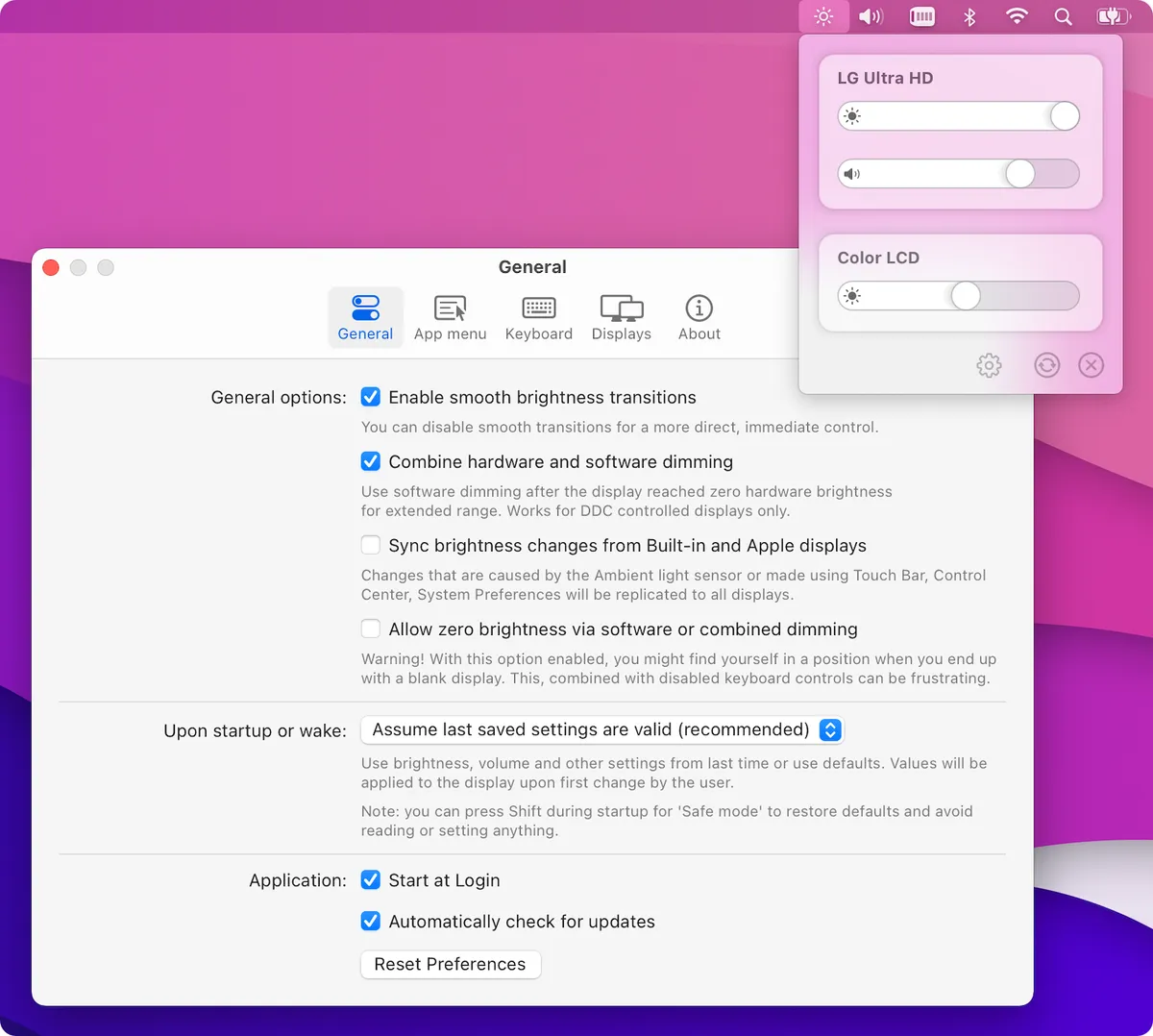
Screenshot: MonitorControl on GitHub. Get it at monitorcontrol.app · GitHub
24. FreeCAD
Graphics · ⭐ 34k
FreeCAD is a free 3D CAD app for designing real-world objects, from 3D-printed parts to furniture and buildings. You design with exact measurements and can change any dimension later. It is a free alternative to tools like Fusion 360 or SolidWorks.
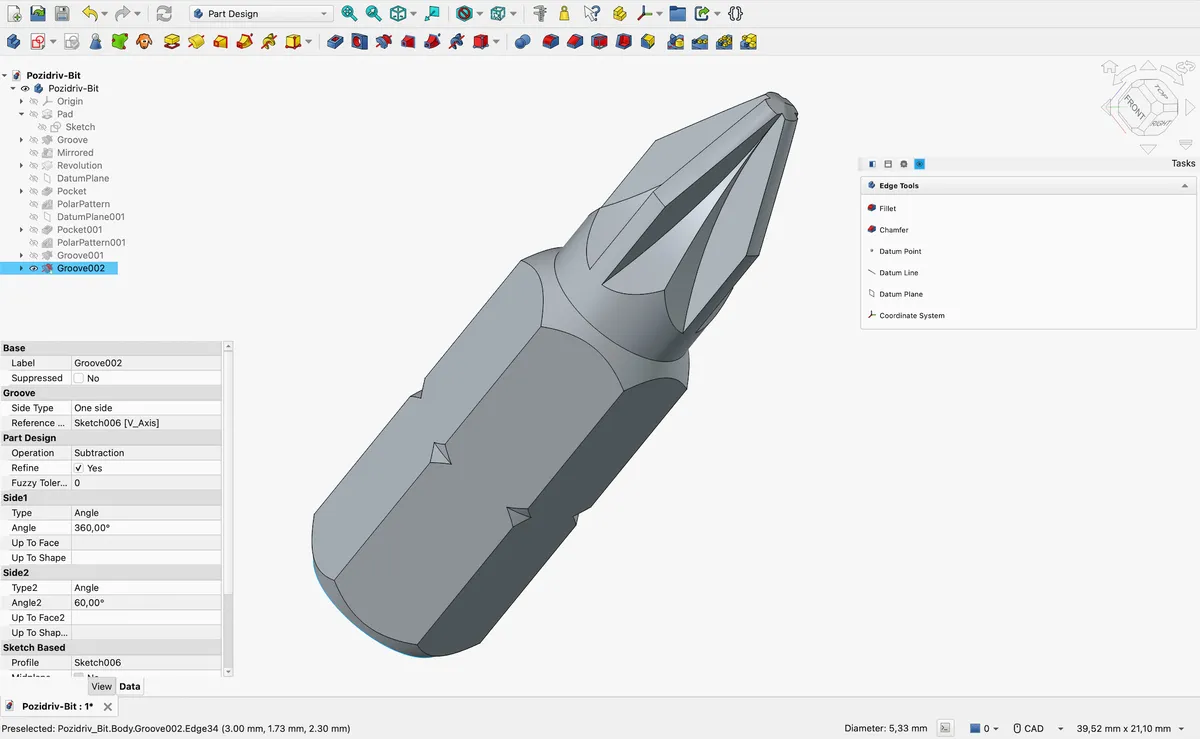
Screenshot: FreeCAD on GitHub. Get it at freecad.org · GitHub
25. VSCodium
IDE · ⭐ 34k
VSCodium is VS Code without Microsoft's branding and telemetry. It is built from the same open-source code, so it looks and works the same. The main difference is that it uses a different extension store, so a few Microsoft-only extensions are not available.
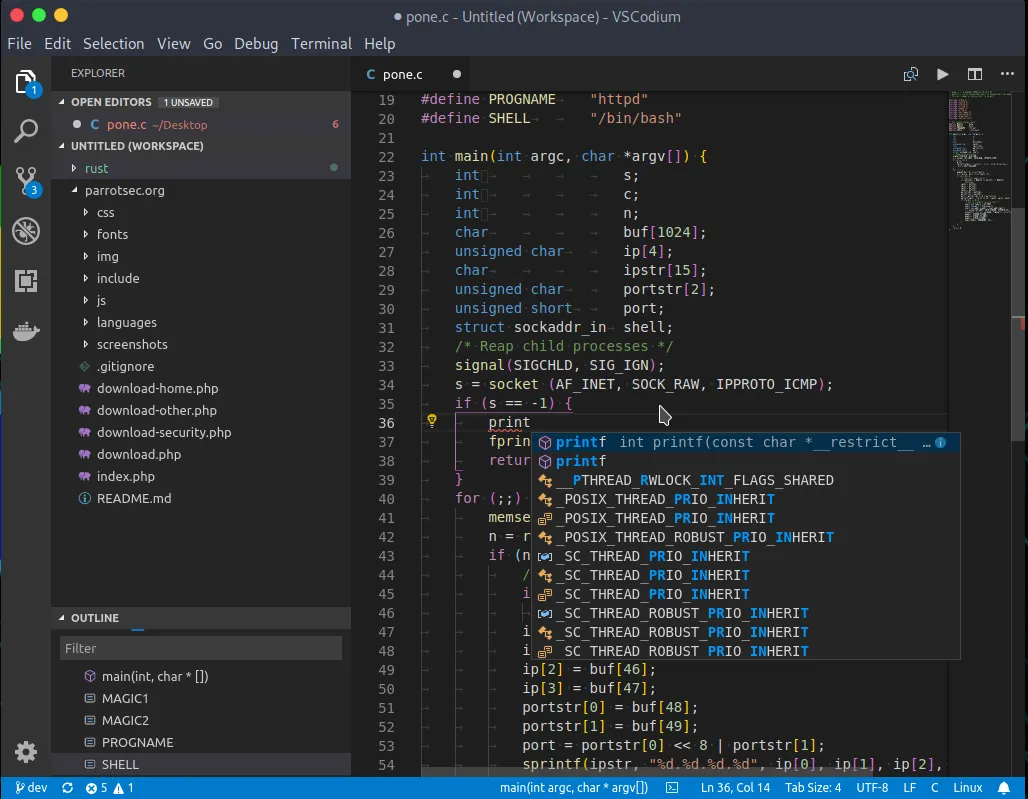
Screenshot: vscodium.com. Get it at vscodium.com · GitHub
Other GitHub lists worth checking
These lists are worth a bookmark too:
- awesome-mac (⭐ 115k): the biggest curated list of Mac apps, free and paid, with over 1,300 entries. I picked the 25 most-starred apps from it.
- iCHAIT/awesome-macOS (⭐ 19k): a smaller, hand-picked list of free and paid Mac apps, plus setup guides. I picked the 25 most-starred apps from it.
- herrbischoff/awesome-macos-command-line (⭐ 31k): Terminal tricks to change hidden settings and do more from the command line. It is archived now, but still a great reference.
- mathiasbynens/dotfiles (⭐ 31k): the famous
.macosscript that sets up sensible defaults, mostly for developers. - macOS Security and Privacy Guide (⭐ 23k): a detailed guide to locking down your Mac.
- awesome-macos-screensavers (⭐ 4k): just for fun, a list of screensavers.
- awesome-windows (⭐ 3k): the same idea for Windows. Handy for finding the Mac version of an app you used to rely on.
- awesome-swift-macos-apps (⭐ 2k): open-source Mac apps written in Swift, from the same maintainer as awesome-mac.
- awesome-native-macosx-apps (⭐ 2k): native Mac apps only, nothing built on Electron. I combined it with four other lists to find the 25 most-starred native Mac apps.
One more thing
You do not need all 25. Pick the two or three that fix something that annoys you today, and come back to the list when something else does.
Also check out the apps I actually run day to day.
Frequently asked questions
What is open-source-mac-os-apps?
open-source-mac-os-apps is a GitHub list of open-source Mac apps, created by Serhii Londar in 2017. It has 862 apps in 39 categories and over 51,000 stars.
What is the most-starred app on open-source-mac-os-apps?
As of October 2026, the most-starred app on the list is Visual Studio Code, with about 193,000 GitHub stars. Stirling-PDF (94,000) and Zed (91,000) come next.
Are all the apps on open-source-mac-os-apps free?
Every app on the list is open source, and almost all are free to download. A few, like Aseprite, publish their code but charge for the ready-to-use app.
How is open-source-mac-os-apps different from awesome-mac?
open-source-mac-os-apps only includes open-source apps and shows each app's programming language and screenshots. awesome-mac is bigger, with more than 1,300 apps, and includes paid and closed-source apps too.