I asked what to install on a new Mac. Here is what people said.
I asked what to install first on my new Mac, and X and LinkedIn delivered. Here is the community list, sorted by how often each app came up, with credit to everyone who suggested one.
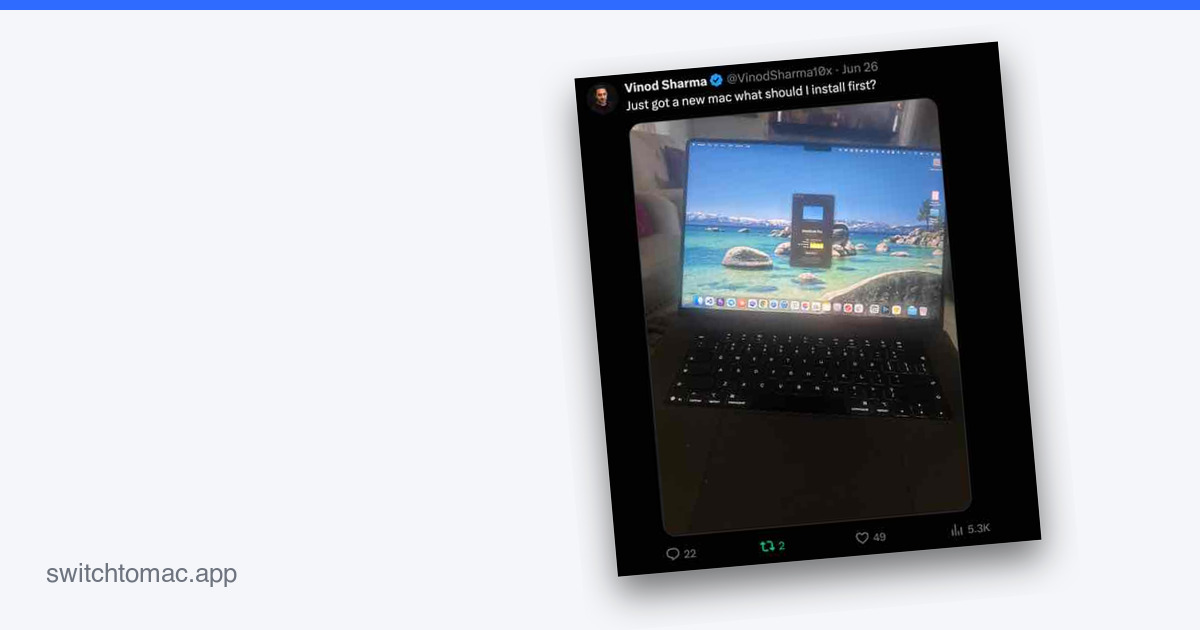
I posted a photo of my new Mac and asked one question: what should I install first?
The replies were better than any list I could have written alone. People shared their daily drivers, the small utilities they cannot work without, and a few I had never heard of. It went around on both X and LinkedIn.
So here is the community list, sorted by how often each app came up, with credit to everyone who chimed in. I have already added AltTab and Raycast myself. The rest are on my list.
Suggested most
These came up again and again.
- Homebrew: the package manager for installing command-line tools and apps from the terminal. Suggested five times, by @prashanttgs, @ECL1PTO, @harshgvnd, @Deepaksankhyan3, and @Taniyatweets_.
- Brave: a privacy browser with ad and tracker blocking built in. Suggested by @harshgvnd, @vibeonX69, and @priya_Thakur786.
- Claude: Anthropic's AI assistant, which a lot of people, me included, now lean on for coding. Suggested by @NethikaRE, Siddharth Verma, and Justin French.
- Raycast: a launcher and Spotlight replacement with extensions and AI built in. Suggested by @prashanttgs and Siddharth Verma.
Also suggested
Plenty of strong single mentions too.
- AltTab: brings the Windows-style Alt+Tab window switcher to the Mac. Suggested by @prashanttgs.
- Bun: a fast all-in-one JavaScript runtime and package manager. Suggested by @Deepaksankhyan3.
- Cloudflare Warp: a free, fast VPN client from Cloudflare. Suggested by @harshgvnd.
- Codex: OpenAI's coding agent. Suggested by @NethikaRE.
- CopyClip: a menu-bar clipboard history manager. Suggested by @harshgvnd.
- Cursor: an AI code editor built on VS Code. Suggested by Siddharth Verma.
- GitHub Desktop: a simple GUI for Git and GitHub. Suggested by @harshgvnd.
- Google Chrome: the browser, with sync and extensions. Suggested by @krishna119229.
- Karabiner Elements: a powerful keyboard remapper, handy when you are coming from a Windows keyboard. Suggested by @prashanttgs.
- Maccy: a lightweight, open-source clipboard manager. Suggested by @diksha_irl.
- Node.js: the JavaScript runtime behind most dev tools. Suggested by @Deepaksankhyan3.
- Numi: a natural-language calculator for quick math, currency, and units. Suggested by @harshgvnd.
- Oh My Zsh: a framework for configuring the Zsh shell with plugins and themes. Suggested by Siddharth Verma.
- Telegram: fast, secure messaging. Suggested by @harshgvnd.
- Todoist: task and project management. Suggested by Siddharth Verma.
- VLC: plays virtually any audio or video file you throw at it. Suggested by @harshgvnd.
- VS Code: Microsoft's free, extensible code editor. Suggested by @harshgvnd.
- Wispr Flow: AI dictation that types what you say in any app. Suggested by Siddharth Verma.
A few more came up too: a VPN like Windscribe (@ElectroNow_AT), an antivirus (@eth_ansh), running web tools as Chrome apps (@SaraJai2417), and the Littlebird and Hermes AI agents (Rohit Sharma, @docjais).
One more thing
Also check out the apps I actually run day to day.
Want even more ideas? I went through the three biggest Mac app lists on GitHub and pulled the 25 most-starred apps from each: awesome-mac, open-source-mac-os-apps, and awesome-macOS.
Thanks to everyone who replied. If I missed your suggestion, tell me and I will add it.